


Best VPN for Routers in 2026

Protect every device in your home with one setup. Install ZoogVPN on your router and secure phones, laptops, consoles, and Smart TVs at once.

One router configuration covers your whole network, including devices that don’t support VPN apps natively. Strong encryption, an ever-growing server network, and support for every major router protocol.

  • 7-day money-back guarantee

Why Use a VPN on Your Router?

See how a router-level VPN protects every device on your network, including the ones that can’t run a VPN app.

Protect Your Whole Network at Once

Set up ZoogVPN once on your router, and every device that connects through it is protected automatically. No per-device apps, no forgetting to switch it on.

This is the only practical way to cover devices that don’t support VPN apps: Smart TVs, game consoles, streaming boxes, and smart-home gadgets. The remote server hides all the traffic that passes through your router.

One Connection, Up to 10 Devices

A router counts as a single VPN connection, but every device behind it is covered. That means the whole household streams, games, and browses through ZoogVPN without using up separate connection slots.

Tailor it to your needs: route your entire network through the VPN, or configure your router so specific devices connect directly. You control exactly what goes through the tunnel.

Set Up ZoogVPN on Your Router

ZoogVPN for Routers: Whole-Home Digital Protection

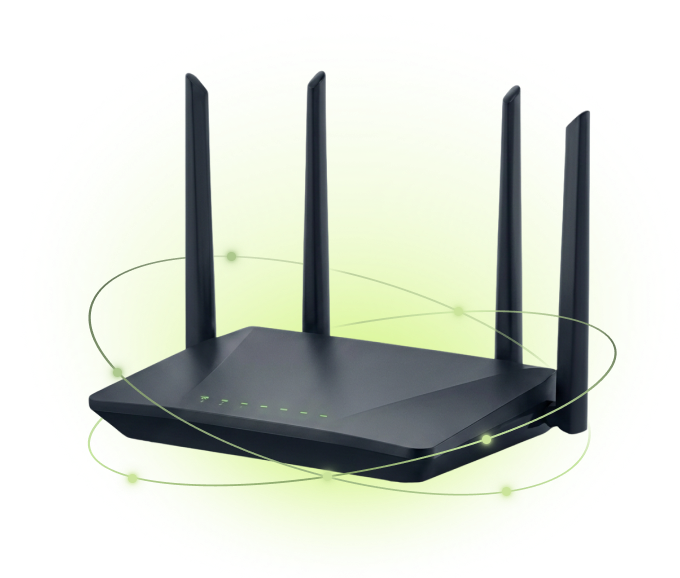
Routers don’t run an app; you configure ZoogVPN directly in your router’s admin panel using our server addresses and config files. It works across popular firmware including DD-WRT, Tomato, MikroTik, DrayTek, GL.iNet, Asus, and Cudy, with support for OpenVPN, IKEv2, PPTP, and L2TP/IPsec.

Prefer to skip the manual setup? Grab a pre-configured ZoogVPN router and it works out of the box. Start with a free ZoogVPN account to get your credentials and server list.

ZoogVPN security shield

Start Your Secure Journey Today

Join millions of users.
Unlimited traffic and 120+ locations on Premium.

Get Free VPN

Why Use ZoogVPN on Your Router?

Protect every device on your network, with no app to install on each one.

Bank-Grade Encryption

We use the AES-256 cipher standard, the same level of encryption banks rely on to keep data private.

DNS Leak Protection

DNS and IP leak protection is built in, so your DNS requests stay inside the VPN tunnel.

Streaming Optimized

Dedicated 1 Gbps bare-metal servers, including streaming-optimized ones, for smooth playback.

Up to 10 Devices

One Premium account protects up to 10 devices at the same time.

ZoogVPN for Routers: Technical Specs

A quick overview of router compatibility and configuration options.

Compatible Firmware DD-WRT, Tomato, MikroTik, DrayTek, GL.iNet, Asus, Cudy, MiWiFi
Encryption AES-256, 2048-bit hash key, SHA-256 authentication
Protocols OpenVPN, IKEv2, PPTP, L2TP/IPsec (WireGuard on supported routers)
Setup Method Manual config in router admin panel, or .ovpn config file
Coverage Every device on the network, including non-VPN devices
Connections Router counts as one connection; up to 10 devices behind it
Pre-Configured Option Guardian / Vilfo routers ship ready to use with ZoogVPN
Jurisdiction Greece, outside the 14 Eyes, strict no-logs policy

Ready to configure? Start with a setup guide:

How to Set Up ZoogVPN on Your Router

For advanced users who want network-wide protection. Follow these steps to secure every device at once.

Step 1

Create an Account With ZoogVPN

Sign up and choose a plan. Your account gives you the server addresses, login credentials, and config files you’ll need for router setup.

Step 2

Configure Your Router

Log into your router’s admin panel, open the VPN section, and enter your ZoogVPN server address, credentials, and chosen protocol. Follow our firmware-specific guide for the exact steps.

Step 3

Connect and Enjoy!

Save the settings and start the connection. Your router establishes a secure tunnel, and every connected device is protected.

  • Phones, laptops, TVs, and consoles are all covered.
  • Devices without VPN apps get protection automatically.
  • Your ISP can’t see or throttle your traffic.

Trusted by Experts. Loved by Users.

Consistent high ratings across all platforms and devices.

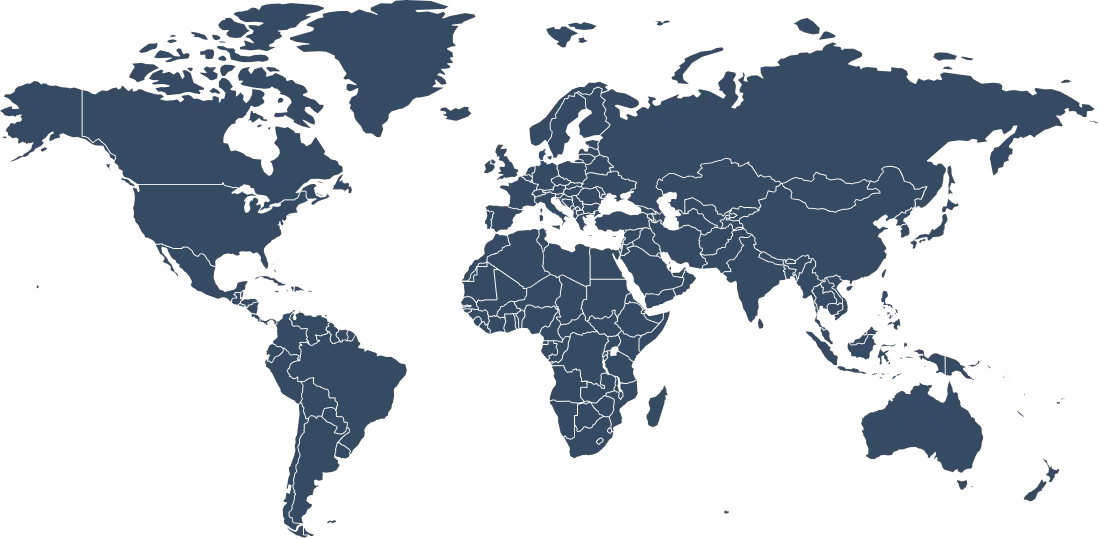
Route Your Network Through 120+ Locations

Point your router at any ZoogVPN location and every device on your network inherits that IP.

Why Server Variety Matters for a Router?

Your router’s VPN location sets the virtual location for your entire home. Pick a nearby server for the fastest speeds, or a specific country to unblock content on every TV and console at once.

With 120+ locations, ZoogVPN gives you room to choose. Because a large network stays fast and uncrowded, your whole household streams and games smoothly through a single router connection.

120+ Global Locations
100% Bare-Metal Servers
1Gbps Optimized Speed
Up to 10 Devices Covered
Get ZoogVPN

One location for every device on your network.

Choose Your Freedom Plan

Start for free, upgrade for unlimited power.

Get Premium Now (Save 75%)
Feature
Free Plan
Premium Plan
Locations
5 Locations
120+ Locations (Global)
Monthly Data
10 GB
Unlimited
Router Setup
Yes
Yes
Encryption
128-bit
256-bit AES
P2P / Torrenting
Limited
Dedicated Servers

Protect Your Whole Home with a VPN for Routers

A router setup covers everything at once, but you can also install ZoogVPN directly on individual devices whenever you’re away from home. One subscription covers up to 10 devices at the same time.

We offer native apps for Windows, macOS, Linux, iOS, Android, Android TV, and Amazon Fire TV Stick. Combine them with your router setup so you’re protected both at home and on the go.

Router VPN: Frequently Asked Questions

Everything you need to know about setup, protocols, and compatibility.

Why should I install a VPN on my router?

Installing ZoogVPN on your router protects every device on your network in one go, including devices that don’t support VPN apps, like Smart TVs, game consoles, and smart-home gadgets. The router hides all traffic that passes through it, so nobody can snoop on your online activity.

Does a router VPN use up my device connections?

No. Your router counts as a single VPN connection, but every device connected through it is covered. It’s the most efficient way to protect a whole household without using separate connection slots for each device.

Is there a free VPN plan I can use on my router?

Yes. You can create a free ZoogVPN account with 10GB of monthly bandwidth and use those credentials to configure your router. When you’re ready for unlimited data and more locations, premium plans come with a 7-day money-back guarantee.

Which protocols can I use on my router?

ZoogVPN supports OpenVPN, IKEv2, PPTP, and L2TP/IPsec for router setups, and newer routers can also use WireGuard. OpenVPN is the most widely recommended for the best balance of security and compatibility.

How do I set up ZoogVPN on my router?

Log into your router’s admin panel, open the VPN section, and enter your ZoogVPN server address, username, and password, or upload the .ovpn config file for OpenVPN. Our setup guides walk you through the exact steps for each firmware.

Can I get a pre-configured ZoogVPN router?

Yes. If you’d rather skip the manual setup, you can buy a pre-configured router that works with ZoogVPN out of the box. Just enter your credentials and all our VPN servers become available to choose from.

Which routers are compatible with ZoogVPN?

ZoogVPN works with popular VPN-capable firmware including DD-WRT, Tomato, MikroTik, DrayTek, GL.iNet, Asus, Cudy, and MiWiFi. If your router supports OpenVPN, IKEv2, PPTP, or L2TP/IPsec, it will work with ZoogVPN.

Will a router VPN slow down my internet?

A router’s hardware is more limited than a phone or computer, so you may see some speed reduction, especially on lower-end routers. For maximum speed on a specific device, you can run the ZoogVPN app on that device instead. A more powerful router handles VPN encryption with minimal impact.

What if there's no guide for my router?

If you don’t see a tutorial for your specific router, the setup is usually the same: go into your router’s VPN settings and enter the ZoogVPN server address and your credentials. If you get stuck, our 24/7 customer support team can help.

Is a VPN Router Worth It?

If you own devices that can’t run a VPN app, a router setup is the only way to protect them. Smart TVs, game consoles, streaming sticks, and smart-home gadgets all route through your router, so configuring ZoogVPN there covers them automatically. It also means you never have to remember to switch the VPN on: your whole network is protected from the moment a device connects.

There’s a trade-off worth knowing about. Router hardware is less powerful than a phone or laptop, so encryption can cap your speed, more noticeably on budget routers. If you need full speed on one device, run the ZoogVPN app there directly and let the router handle everything else. For households that want set-and-forget, whole-home protection, a capable router (or a pre-configured one) gives you the best of both: protection for every device on your network from a single connection, with ZoogVPN’s no-logs policy protecting the entire network.

Ready to Protect Your Whole Network?

Secure every device in your home with a single router setup today.