Keep Your DNS Requests Private
Built-in DNS leak protection, our own encrypted DNS servers and a Kill Switch, in every ZoogVPN app.
Get started today. No credit card required.

DNS leak test. Keep your browsing private.
Check your VPN connection for DNS leaks and make sure your internet provider can’t see which websites you visit.
Get started →
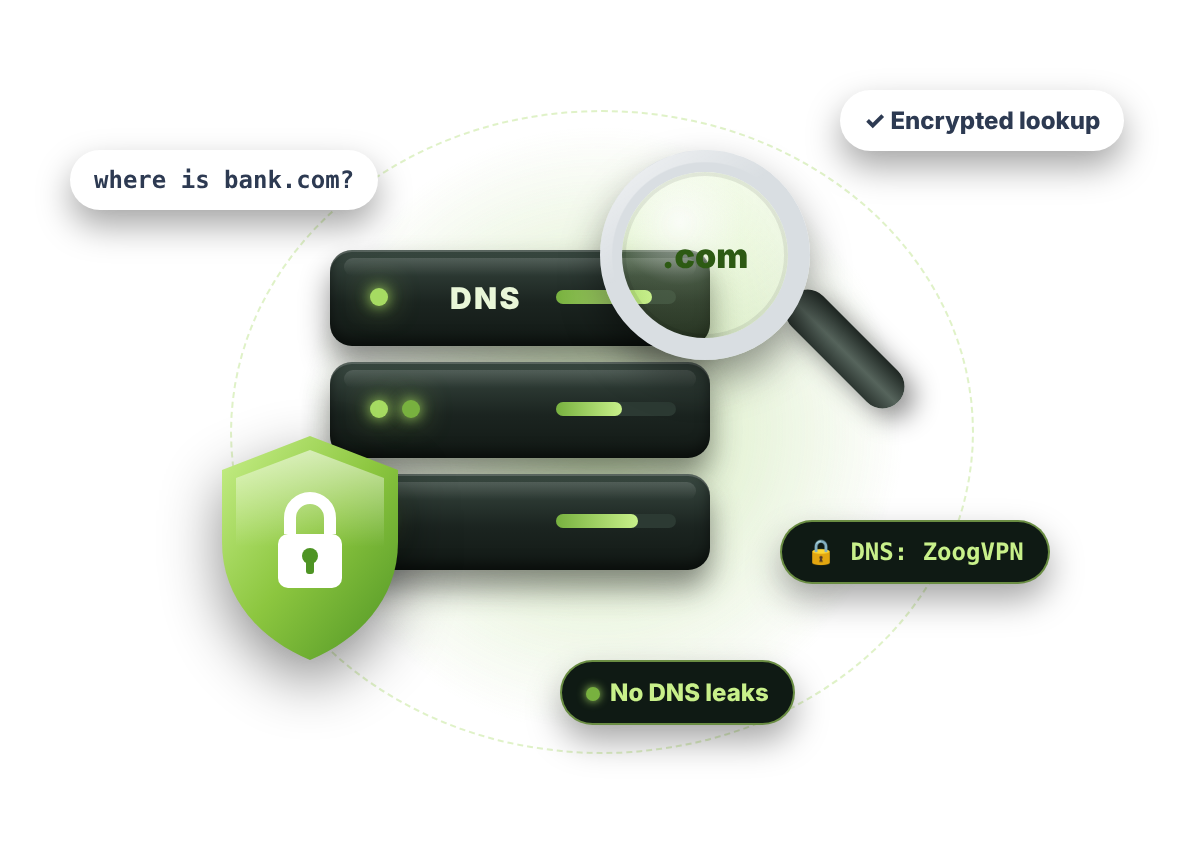
Press the button to see which DNS servers answer your requests. Run it once without your VPN and once with it, and we’ll compare the two for you.
| DNS server IP | Provider | Country |
|---|
The test takes a few seconds and runs through the free bash.ws service. We don’t store your results.
Run the test twice: once without your VPN and once with it.
Press Start test with your VPN off. You’ll see the DNS servers your device uses without a VPN tunnel.
Turn on your VPN and press the button again. You’ll see the DNS servers used while the VPN is connected.
If the same DNS servers show up both times, you have a DNS leak. Different servers mean your DNS requests don’t leak.
DNS (the Domain Name System) turns website names like google.com into IP addresses. Computers don’t understand names, only numbers, so every connection starts with a DNS lookup.
Think of it as the internet’s phone book: it stores every domain together with its IP address.
It happens in the background every time you open a website or an app.

Your browser or app needs to reach a site like forbes.com, but it only knows the name.

Your device asks a DNS server for the IP address that belongs to that name.

With the IP address in hand, your device connects to the website and it opens.
The easiest way to see how the test works is to connect to another country. Let’s say you’re in the US.
You’ll see US DNS servers, because your requests go to your local internet provider.
Turn on your VPN and pick a server in another country, such as the UK, France or Spain.
British DNS servers mean everything is fine. If a US DNS server still shows up, your DNS requests are probably leaking.
A DNS leak is a privacy problem you might not notice, because your VPN still looks connected.
Your DNS requests go outside the VPN tunnel instead of through it. Your internet provider then sees and can record every website you visit. It’s usually caused by device settings: Windows, for example, may prefer your router’s DNS servers over the VPN’s.
Every ZoogVPN app has DNS leak protection built in. All your DNS requests go through the encrypted VPN tunnel to our own DNS servers, so a DNS leak doesn’t happen.
Three simple rules keep your DNS requests private.
🛡️ 3 rules
Trusted VPN providers keep no logs and build leak protection into their apps. A weak VPN or a manual setup can leave you exposed.
Get ZoogVPN
Most DNS leaks come from changed network settings. Unless you know exactly what you're doing, let your VPN app handle them.
Leak protection
With a good VPN, you don't need to set custom DNS servers. ZoogVPN already uses its own encrypted DNS servers.
How to fix a DNS leakPlain answers about DNS leaks and how to test for them.
Press Start test at the top of this page to see your DNS servers. Then turn on your VPN and run the test again. If you see a completely different list of DNS servers, you’re good to go. If the same ones show up, your DNS might be leaking.
Your DNS is leaking if, with your VPN on, the test still shows the same DNS servers as without it, usually your internet provider’s servers in your own country.
Yes. The test only makes a few harmless lookups to see which DNS servers answer them. It doesn’t install anything or change your settings, and we don’t store your results.
Usually because of how your device is set up. Your computer or phone might send DNS requests outside the VPN tunnel, for example when Windows prefers your router’s DNS servers. ZoogVPN’s built-in DNS leak protection keeps all DNS requests inside the tunnel.
Run this DNS leak test with and without your VPN and compare the DNS servers. For a full check, also run our WebRTC leak test.
Yes. Every ZoogVPN app has DNS leak protection built in, and your DNS requests go to our own DNS servers inside the encrypted tunnel.
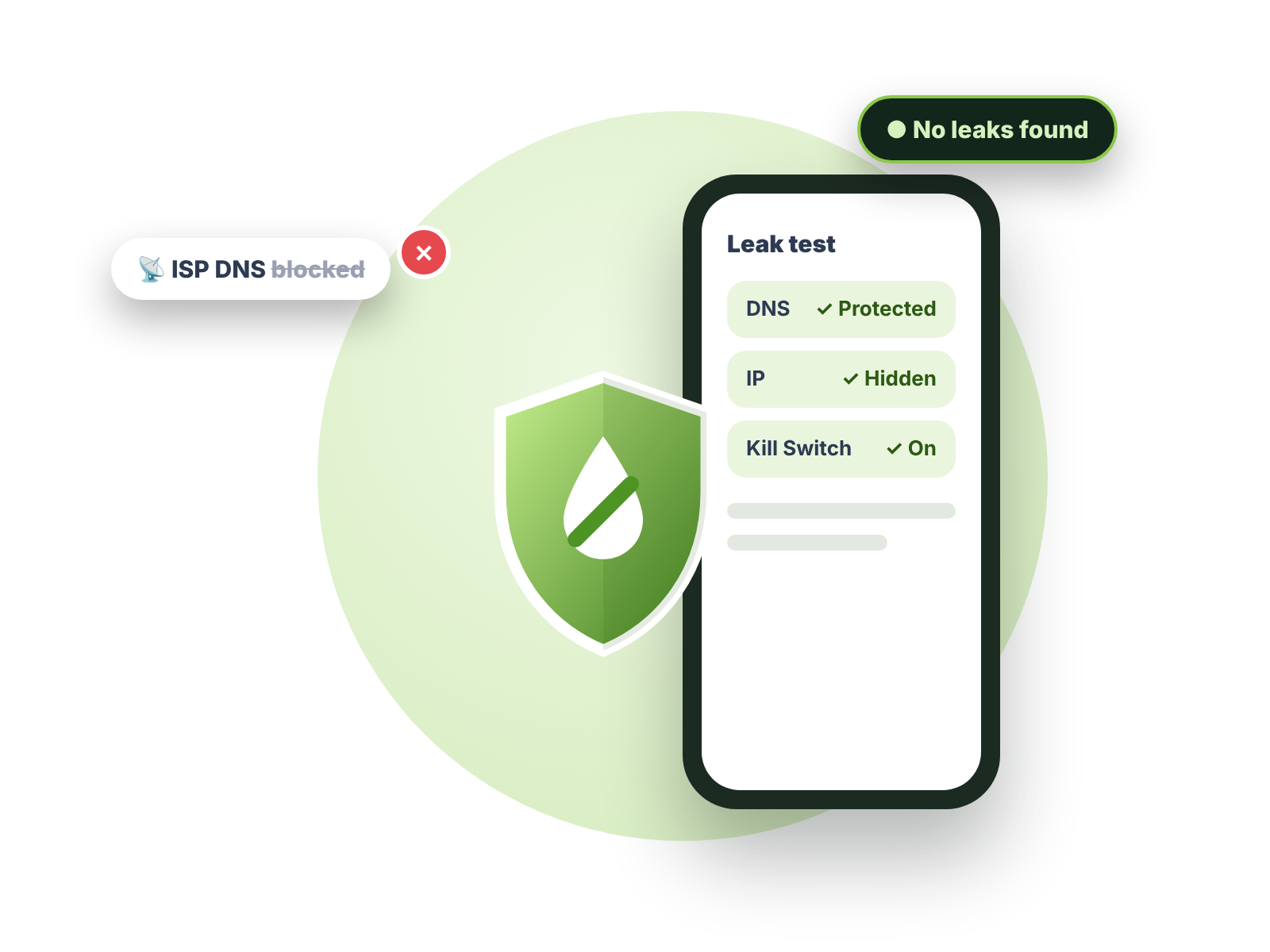
Built-in DNS leak protection, our own encrypted DNS servers and a Kill Switch, in every ZoogVPN app.
Get started today. No credit card required.
DNS and IP leak protection, a built-in Kill Switch and zero logs, on up to 10 devices.