
Online Password Generator
Generate a strong password for free using our online password generator!
- Free
- Not stored anywhere
- 4–64 characters
Generated in your browser. Nothing is sent or stored.
Password Wordlist Generator Online at Your Fingertips
A free online password generator gives you strong, secure passwords and stops you reusing simple ones across different accounts.
- Free, safe and easy to use
- A new password for every account in one click
- Keeps your accounts safe from potential hackers
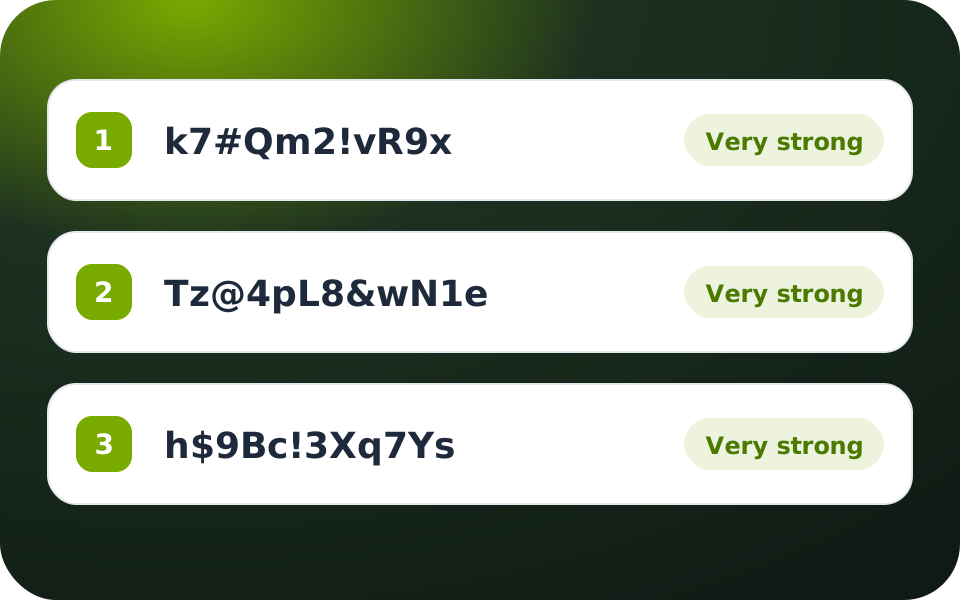
Choose a Strong Password Generator for Your Online Activity
A password that’s secure and easy to remember is hard to come up with yourself. A generator does it for you in seconds.
- Long, strong passwords with minimal effort
- A different password for each of your needs
- Completely free, with no hidden costs
Online Password Generator FAQ
Quick answers about creating strong passwords.
How to use an online password generator?
Using an online password generator is easy. You need to click the button and the password will appear right away! If you need a password with special characters and upper case letters, we have also got you covered. Simply select the box and your settings will be applied automatically.
Where to find a free online password generator?
Right here. The ZoogVPN online password generator is free to use, works in your browser and doesn’t require registration. Choose the length and character types, click Generate and copy your new password.
How to generate online WiFi password with generator?
Set the length to at least 16 characters and keep all character types selected, then click Generate and copy the password into your router’s Wi-Fi settings. If your router doesn’t accept some special characters, untick #$&… and generate a new one.