9 games · Set up in 3 steps

Play Any Game, From Anywhere

Unblock games that are restricted in your country, cut lag with optimized servers and keep your IP hidden from DDoS attacks. Works with CS2, Valorant, PUBG Mobile, League of Legends and more.

Devices
10
Encryption
256‑bit
Logs kept
0
Money-back
7 days
vpn gaming header white
  • Zero logs policy
  • 256-bit encryption
  • Kill Switch
  • Split Tunneling

How Does a VPN Help With Gaming?

A VPN helps with gaming in three ways. It routes your connection through a server in another country, so you can play games and join servers that are blocked where you are. It encrypts your traffic, so your internet provider can’t single out and throttle your gaming. And it hides your real IP address, so opponents can’t target you with DDoS attacks. ZoogVPN’s optimized servers also help reduce lag for smoother matches.


Why You Need a VPN for Gaming

Games get restricted or banned in some regions every year, and lag, throttling and DDoS attacks ruin matches. Here's how ZoogVPN fixes that.

🎮 6 benefits
uc access any website

Overcome Geo-Restrictions

Play CS2, League of Legends, Pokémon Go or PUBG Mobile even if they're blocked in your country.

Read more
g ping

Reduce Ping and Lag

ZoogVPN's optimized servers help cut lag for quicker response times. In competitive games, milliseconds count.

See our servers
uc isp throttling

Prevent ISP Throttling

Your traffic is encrypted, so your provider can't spot your gaming and slow it down during important matches.

Read more
g ddos

Secure Against DDoS Attacks

ZoogVPN hides your real IP address, so frustrated opponents can't target your network with DDoS attacks.

Read more
g servers

Access Global Game Servers

Switch regions in a few taps to join friends abroad or play early DLC releases in other parts of the world.

See locations
g kill switch

Kill Switch

If the VPN connection drops, Kill Switch stops your traffic, so your real IP isn't exposed mid-match.

Read more

How to Set Up ZoogVPN for Gaming

Three simple steps. No technical knowledge needed.

Step 1

Sign Up and Install

Choose a plan, then download the app for Windows, macOS, Linux, Android or iOS.

Step 2

Connect to a Gaming Server

Pick a server near you for lower lag, or in the region where your game is available.

Step 3

Start Playing

Launch your game and play without regional limits, throttling or exposing your IP.

Supported Games

ZoogVPN works with the games below, and other online games too.

Game on Any Device

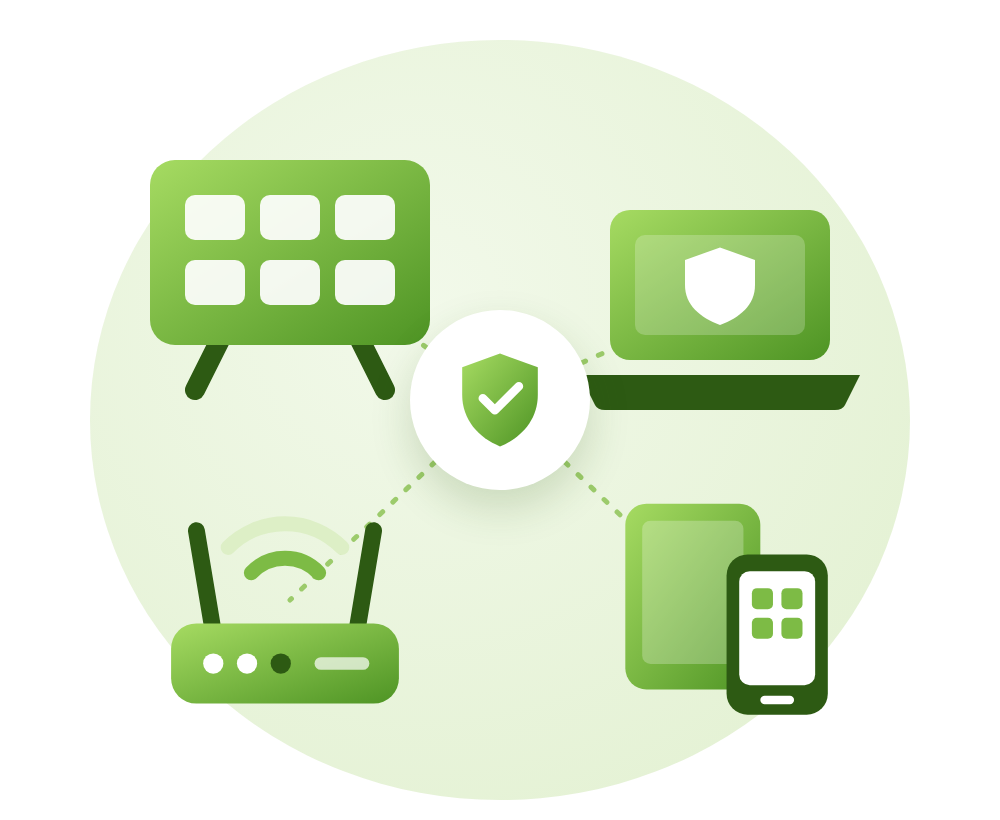
One Premium plan covers up to 10 devices at the same time, so your PC, phone and TV are all protected.

  • Computers: Windows, macOS and Linux
  • Phones & tablets: Android and iOS
  • TV: Android TV
  • Consoles: set up ZoogVPN on your router to cover every device at home

Why Games Get Region-Locked, and What a VPN Can Do About Lag

Games get region-locked for many reasons: publishers release titles in some countries first, licensing and age-rating rules differ, and some governments ban games outright. Your IP address tells the game which region you’re in. Connect to ZoogVPN in another country, and the game sees that server’s location instead of yours.

Lag works differently. A VPN can’t make the distance to a game server shorter, so for the lowest ping, pick a ZoogVPN server close to you or close to the game server. Where a VPN really helps is when your provider throttles gaming traffic or routes it poorly. Then an encrypted connection through a good server can make your matches smoother.

Free vs Premium

Try ZoogVPN Free, no credit card required. Premium unlocks every location and up to 10 devices.

FreeBest valuePremium
VPN locations350
Devices at once110
Encryption128-bit256-bit
Zero logs
P2PLimited
All featuresLimited
Price$0forever$2.49per month, 2-year plan
Start freeGet Premium

Gaming VPN FAQ

Short, honest answers to the questions gamers ask most.

How does a VPN improve my gaming experience?

A VPN can improve your gaming experience by reducing latency, bypassing ISP throttling and giving you access to geo-restricted games and servers. ZoogVPN’s optimized servers provide faster response times, minimizing lag and making gameplay smoother.

Is using a VPN for gaming legal?

In most countries, yes. A VPN simply routes your connection through a server in another location. Some games’ terms of service don’t allow switching regions, and a few countries restrict VPN use, so check the rules for your game and your country.

Can I access games that are not available in my country?

Yes. Connect to a ZoogVPN server in a country where the game is available, and you can download and play it. Some games link your account to the region where you created it, so check that before switching.

How do I set up ZoogVPN for gaming?

Sign up and choose a plan, download the ZoogVPN app for your device, connect to a server near you or in your game’s region, then launch your game.

Does using a VPN impact my gaming speed?

Any VPN adds a small extra step for your traffic. Connecting to a server close to you or close to the game server keeps this to a minimum. If your provider throttles gaming traffic, a VPN can actually make your connection smoother.

Which games can I access with ZoogVPN?

ZoogVPN works with CS2, Valorant, League of Legends, Apex Legends, Fortnite, Call of Duty: Mobile, PUBG Mobile, PUBG New State, Battlegrounds Mobile India, Pokémon Go and other online games.

Can I use ZoogVPN on multiple devices?

Yes. Premium covers up to 10 devices at the same time. The free plan covers 1 device.

🎮 Limited offer · 75% off

Ready to Level Up Your Gaming?

Tired of lag spikes, regional restrictions or DDoS attacks ruining your matches? Get ZoogVPN today and enjoy seamless, secure gaming from anywhere in the world.

  • 7-day money-back guarantee
  • Up to 10 devices on one plan
  • Free plan, no credit card required