P2P · Torrenting guide

Torrent Privately With a P2P VPN

Hide your IP address from every peer in the swarm. ZoogVPN encrypts your downloads, stops your provider from throttling P2P and keeps no logs of what you do.

Encryption
256‑bit
Logs kept
0
Bandwidth
Unlimited
Devices
10
vpn torrenting header
  • Full P2P support
  • Zero logs policy
  • Kill Switch
  • Unlimited bandwidth

Why Use a VPN for Torrenting?

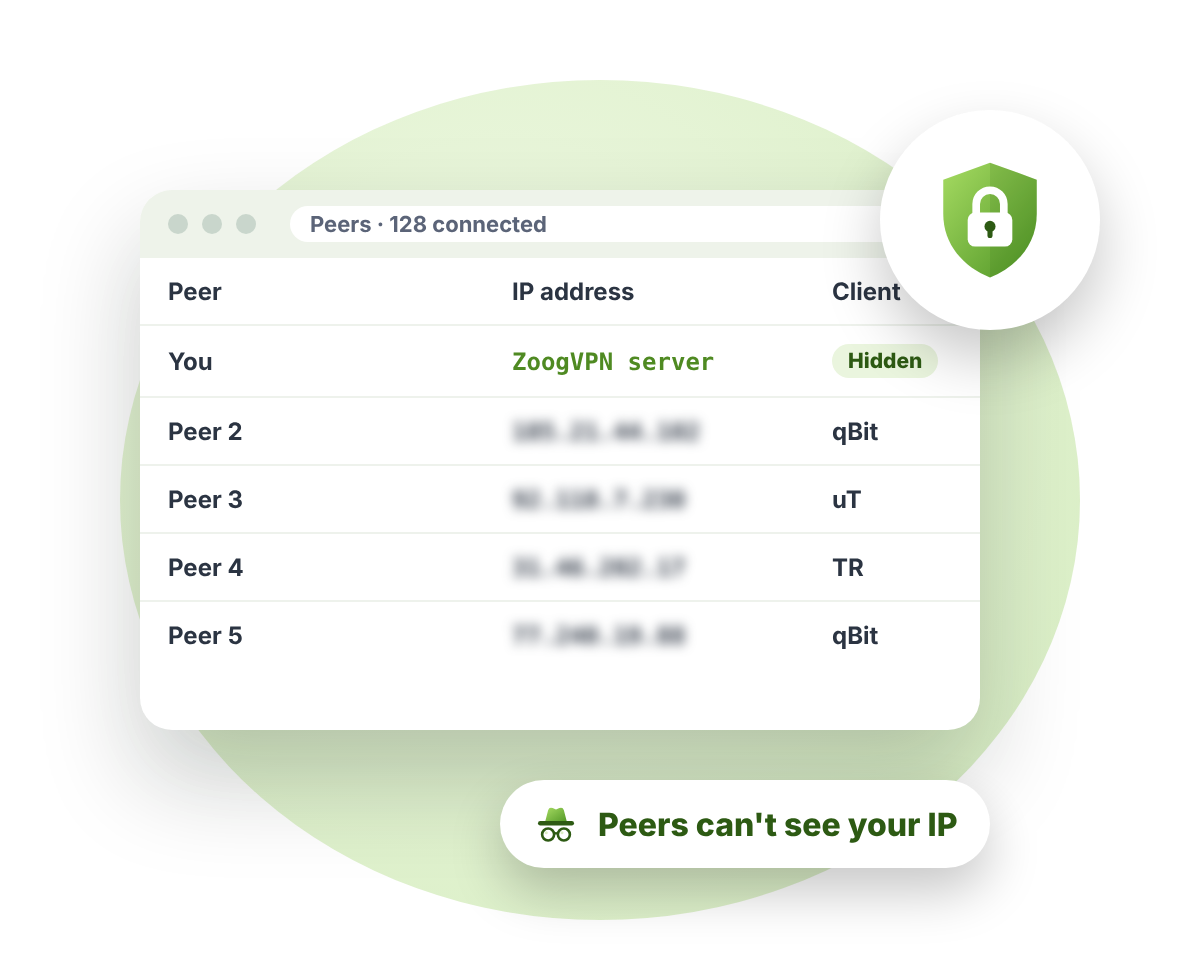
When you download a torrent, your IP address is visible to everyone sharing the same file. That includes strangers, copyright monitoring companies and your internet provider, which can also slow down P2P traffic. A VPN replaces your IP with a ZoogVPN one and encrypts your traffic, so peers only see our server and your provider can’t tell what you’re downloading.

What a VPN Does for Your Torrents

Share files with peace of mind. Here's how ZoogVPN keeps your downloads private and fast.

🧲 6 benefits
uc browse anonymously

Hide Your IP From Peers

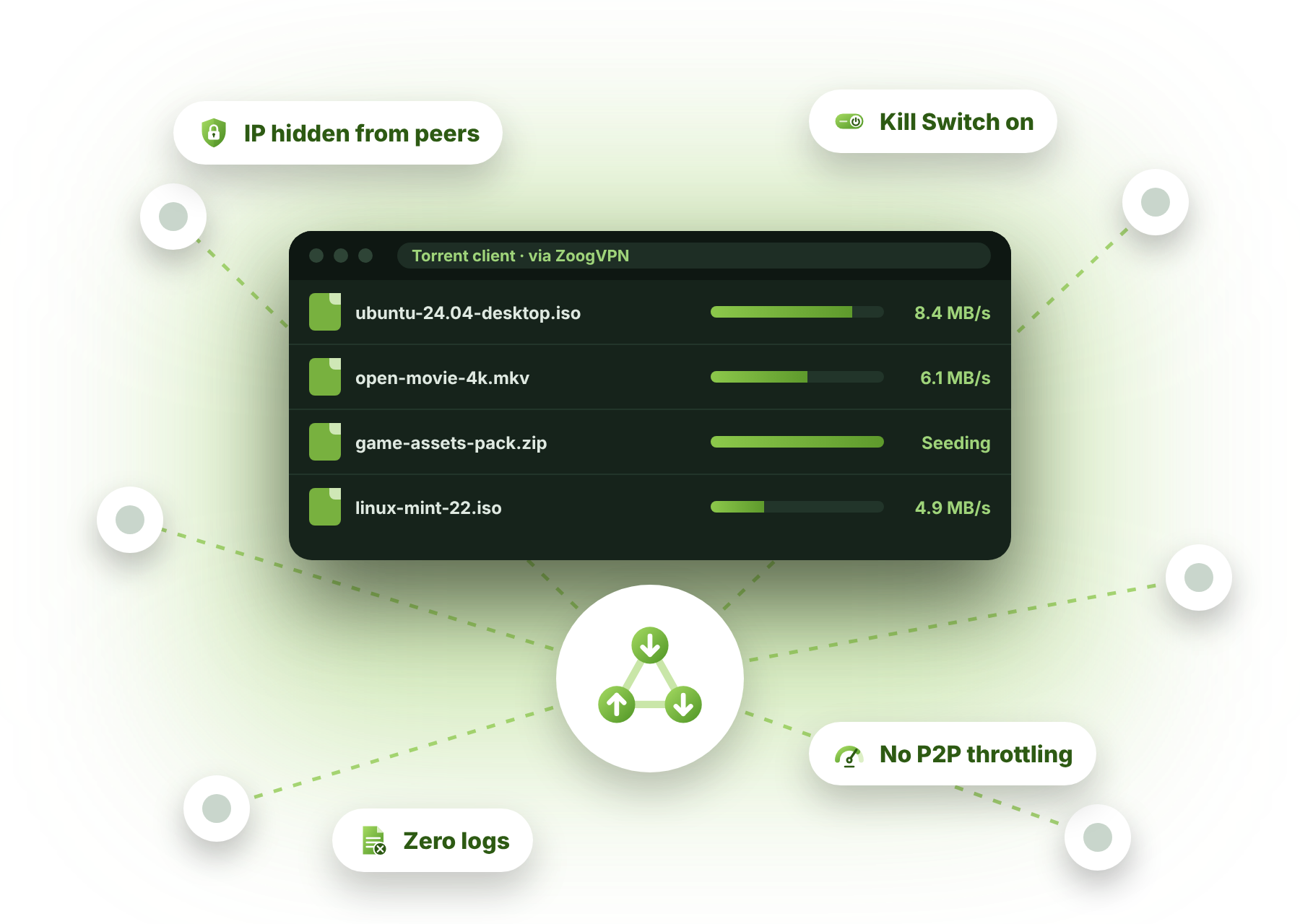
Everyone in the swarm sees a ZoogVPN IP shared by many users, not your home connection.

Read more
t p2p

Full P2P Support

Premium includes torrent-friendly servers built for fast, stable P2P downloads in qBittorrent, uTorrent and other apps.

Read more
g kill switch

Kill Switch

If the VPN drops, Kill Switch stops your traffic at once, so your real IP never leaks to the swarm.

Read more
uc isp throttling

Stop P2P Throttling

Your provider can't see that you're torrenting, so it can't slow down your downloads.

All features
a nologs

Zero Logs

ZoogVPN doesn't record what you download or which sites you visit, so there's nothing to hand over.

Read more
g servers

Unlimited Bandwidth

No data caps on Premium. Download big files and seed for as long as you like.

See servers

Proxy vs VPN for Torrenting

Many torrent apps let you set a proxy. Here’s how it compares to a full VPN.

Proxy onlyRecommendedZoogVPN
Hides your IP from peers
Encrypts your traffic✕
Hides torrenting from your provider✕
Stops P2P throttling✕
Kill Switch if the connection drops✕
Protects your whole device✕
Get started

Good to know: Premium also includes a SOCKS5 proxy for your torrent app, if you ever need one.

How to Torrent Safely in 3 Steps

Takes about a minute. No technical knowledge needed.

Step 1

Get ZoogVPN

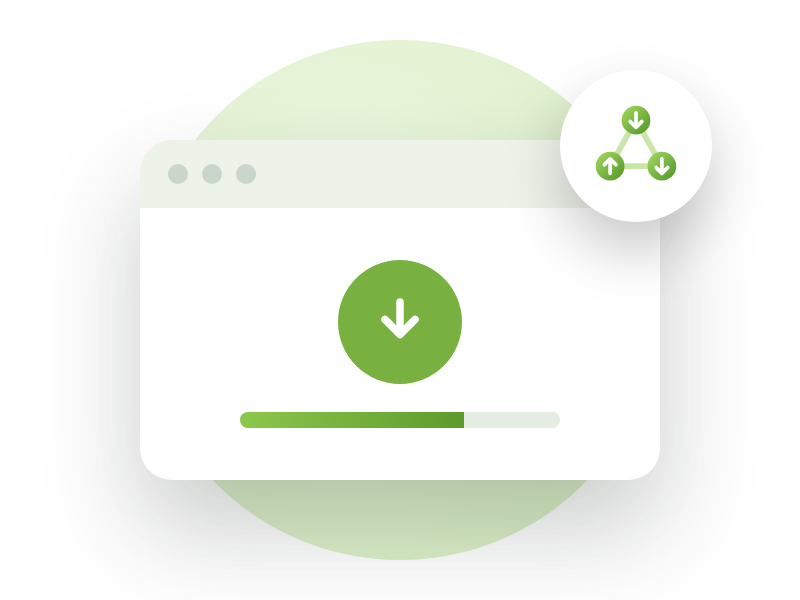
Sign up and install the app on your computer. Premium unlocks full P2P support.

Step 2

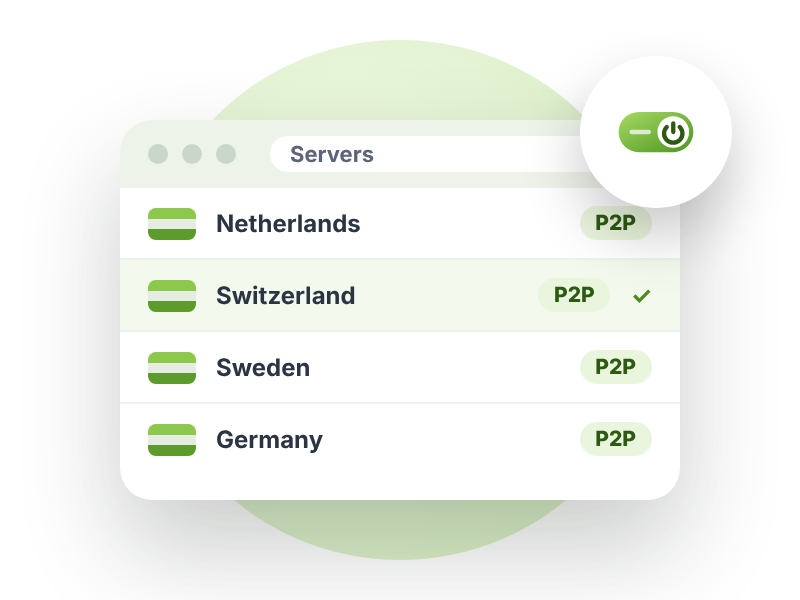
Connect to a P2P Server

Pick a server marked P2P in the app, ideally one close to you for the best speed. Keep Kill Switch on.

Step 3

Open Your Torrent App

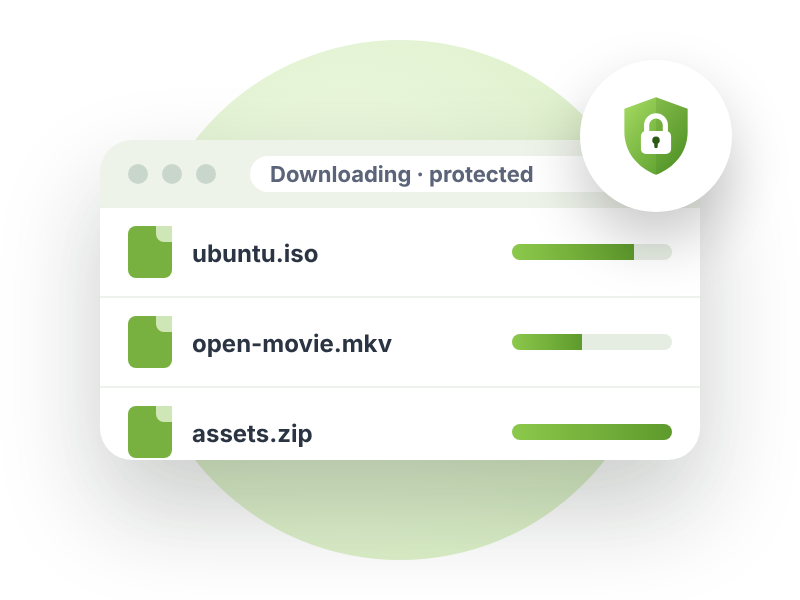
Start qBittorrent, uTorrent or your favorite client and download as usual. Your IP stays hidden.

Torrent-Friendly Servers Worldwide

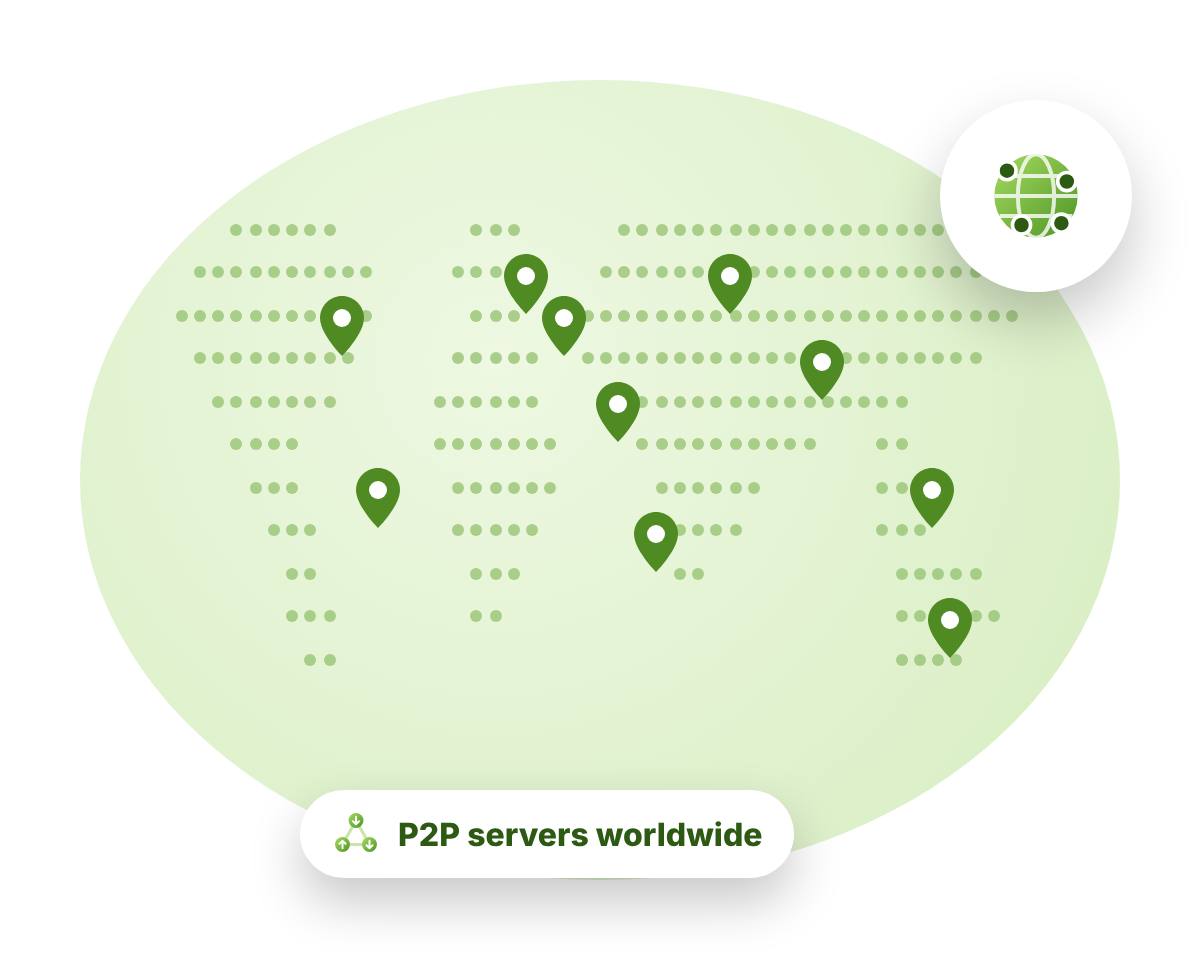
ZoogVPN runs P2P-friendly servers in dozens of countries across Europe, the Americas and Asia. In the app, look for the P2P label next to a server.

  • Fast servers checked for speed and stability
  • Unlimited bandwidth on Premium
  • Switch servers as often as you like

Is Torrenting Legal?

Torrenting itself is legal: it’s simply a way to share files, and lots of free software, games and open media are shared this way. Downloading or sharing copyrighted material without permission is illegal in most countries, with or without a VPN.

ZoogVPN protects your privacy, but it doesn’t change the law where you live. Please only download content you have the right to use.

Free vs Premium

Try ZoogVPN Free, no credit card required. Premium unlocks full P2P, every location and up to 10 devices.

FreeBest for torrentsPremium
P2P / torrentsLimited
VPN locations350
Devices at once110
Monthly data10 GBUnlimited
Encryption128-bit256-bit
Zero logs
Price$0forever$2.49per month, 2-year plan
Get startedGet started

Torrenting VPN FAQ

Everything you need to know about safe P2P. More answers in our FAQ.

Does ZoogVPN allow torrenting?

Yes. ZoogVPN Premium includes full P2P support on torrent-friendly servers. The Free plan has limited P2P, so we recommend Premium for regular torrenting.

Can other peers see my IP address?

Not your real one. While you’re connected, peers only see the IP address of the ZoogVPN server, which is shared by many users.

Can my internet provider see that I'm torrenting?

No. Your provider can see that you’re connected to ZoogVPN, but your traffic is encrypted, so it can’t see what you download or slow down P2P traffic specifically.

Which torrent apps work with ZoogVPN?

All of them. qBittorrent, uTorrent, BitTorrent, Transmission, Deluge and others work as usual while the VPN is on.

Which server should I use for torrenting?

Choose a server marked P2P in the app. For the best speed, pick the one closest to you. See all locations on our servers page.

Will a VPN slow down my downloads?

Encryption adds a small extra step, so speeds can drop slightly. A nearby P2P server and the WireGuard protocol keep it to a minimum, and if your provider throttles P2P, your downloads may even get faster.

Do I need a Kill Switch for torrenting?

We strongly recommend it. If the VPN connection drops while a torrent is running, Kill Switch stops your traffic so your real IP isn’t exposed to the swarm.

Is torrenting with a VPN legal?

Using a VPN and torrenting are both legal in most countries. Downloading copyrighted material without permission is not, and a VPN doesn’t change that. Only download content you have the right to use.

🧲 P2P-friendly · 75% off

Download Privately. Seed Safely.

Hide your IP from the swarm, stop P2P throttling and leave no logs behind, on every device you own.

  • Full P2P support
  • Zero logs policy
  • Kill Switch included