5 use cases · Step-by-step guides

One VPN for Everything You Do Online

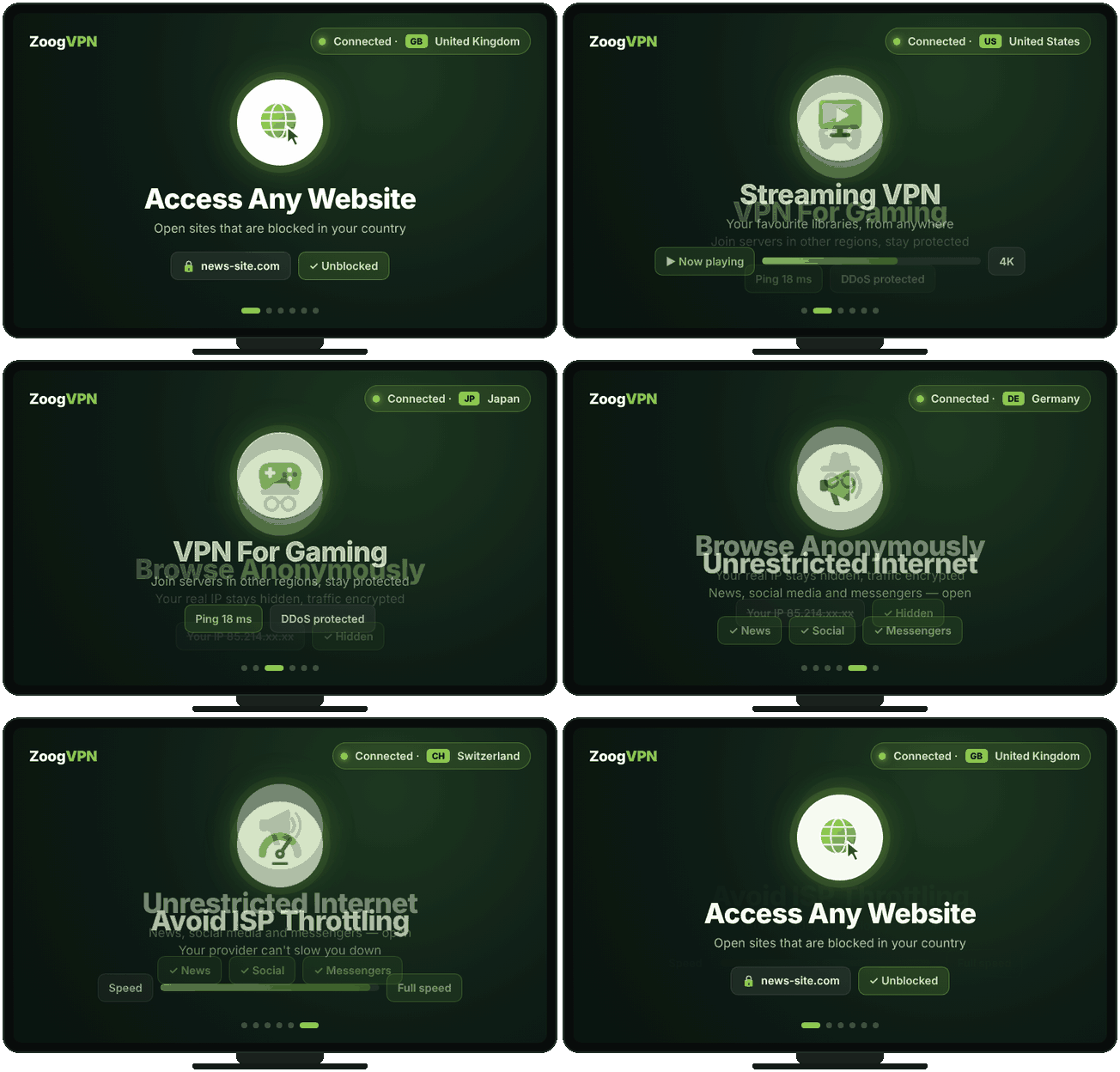
Browse privately, stream from anywhere, play games, get past censorship and keep your full speed. Pick what you want to do and see how ZoogVPN handles it.

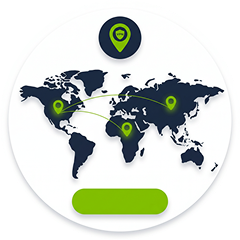
Locations
120+
Servers
140+
Logs kept
0
Money-back
7 days
uc hero animation
  • Audited no-logs policy
  • 256-bit AES encryption
  • 120+ locations in 80+ countries
  • Free plan available

What is a VPN Used For?

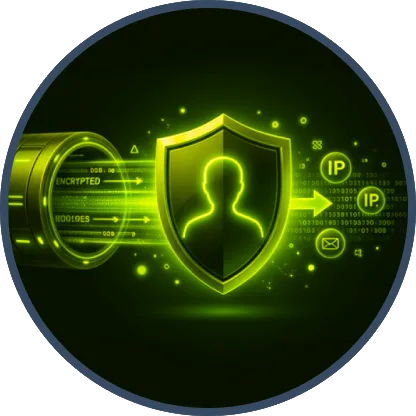
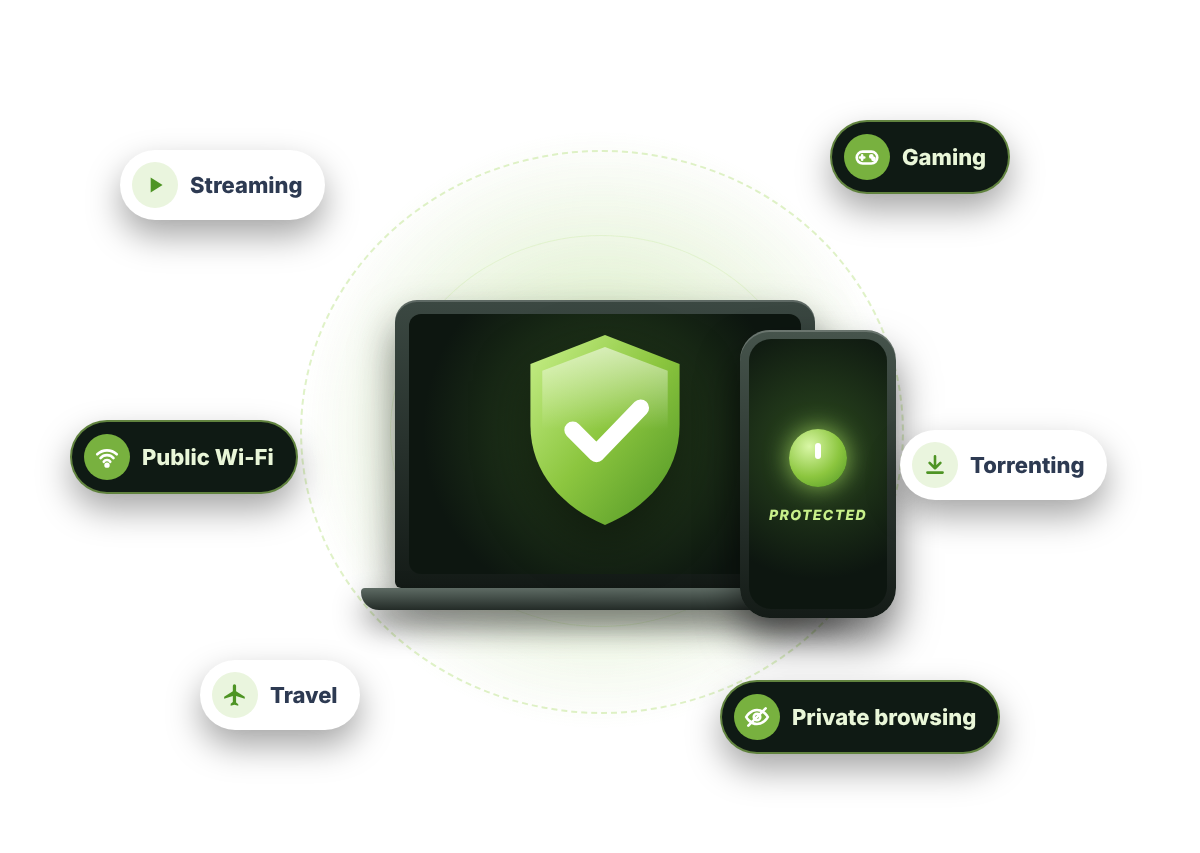
A VPN is used to keep your browsing private, change your virtual location and protect your data on any network. It sends your traffic through an encrypted tunnel to a server you choose, so websites see that server’s IP instead of yours and your internet provider can’t see what you do. That one mechanism powers every use case on this page: privacy, open access to websites, streaming, gaming and avoiding speed throttling.


What You Can Do With ZoogVPN

Pick what you need. Every use case works with the same app and the same subscription.

🛡️ 14 use cases
uc streaming

Streaming VPN

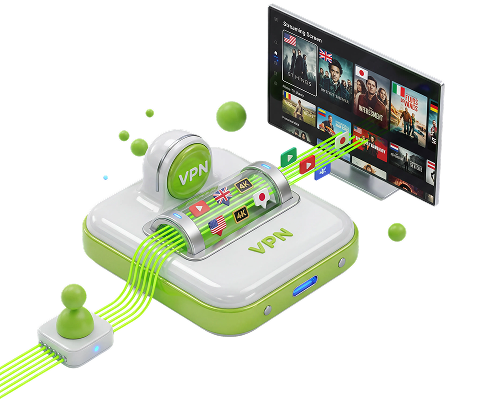
Unblock Netflix, Disney+, BBC iPlayer, Hulu, HBO Max and 40+ more streaming services from anywhere.

Discover more
uc streaming 2

Sports Streaming

Watch football, tennis, F1, NBA and UFC on the broadcaster you already pay for, wherever you are.

Discover more
uc gaming

VPN For Gaming

Unblock region-locked games, cut lag with optimized servers and protect yourself from DDoS attacks.

Discover more
uc freedom of speech

Social Media

Access Facebook, Instagram, WhatsApp, YouTube and Telegram freely, even where they are blocked.

Discover more
uc access any website

Messaging Apps

Use WhatsApp, Telegram, Discord, Skype and Viber where they are blocked or throttled.

Discover more
uc streaming 1

Music Streaming

Listen to Spotify, Pandora and other music services when they are not available in your country.

Discover more
uc torrenting

VPN For Torrenting

Hide your IP from every peer in the swarm, stop ISP throttling and keep your downloads private.

Discover more
uc safe

Online Privacy

Stop ISP throttling and tracking, stay safe on public Wi-Fi and browse anonymously.

Discover more
uc access any website 1

Bypass Censorship

Reach blocked news sites, encyclopedias and apps when your government or network restricts them.

Discover more
uc unrestricted

AI Tools

Use ChatGPT, Claude and other AI assistants in countries where they are blocked or unavailable.

Discover more
uc travel

Travel & Savings

Compare prices for flights, hotels and subscriptions that change depending on your location.

Discover more
uc browse anonymously 1

Dating Apps

Change your location on Tinder, Bumble, Hinge and Badoo and keep your dating activity private.

Discover more
uc access any website 2

Online Betting

How a VPN works with betting sites, and what to check about local rules before you play.

Discover more
uc browse anonymously

Adult Content

Keep your browsing private. Encrypt your connection so your ISP and network operators see nothing.

Discover more

Get Protected in 3 Steps

No technical knowledge needed. Works on phones, laptops, smart TVs and routers.

Step 1

Install ZoogVPN

One-click apps for all major devices. Pick yours and install it.

Step 2

Click “Connect”

Open the app and press the button. Choose a country if your task needs one.

Step 3

Enjoy a Free and Safe Internet

Your traffic is encrypted and your real IP is hidden, for every app on your device.

Works on All Your Devices

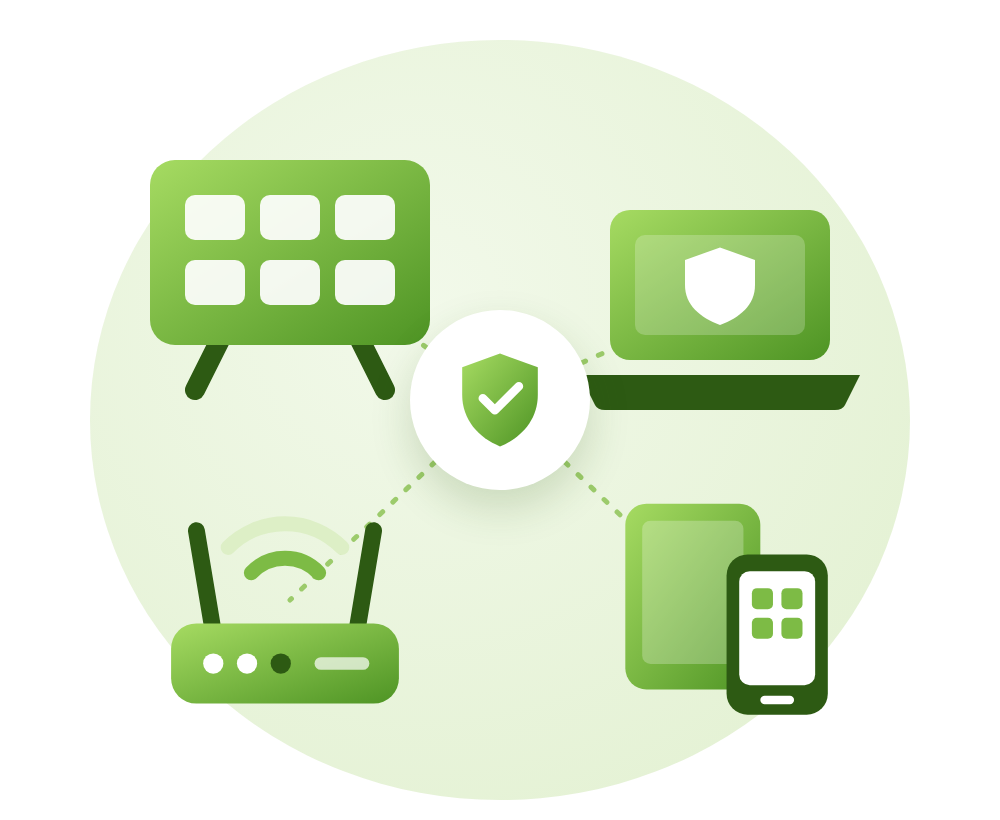
The average home has 10 connected devices. One ZoogVPN Premium subscription protects up to 10 of them at the same time.

  • Computers: Windows, macOS, Linux and Chromebook
  • Phones & tablets: iPhone, iPad, Android and Kindle Fire
  • Smart TVs: Android TV and Fire TV Stick
  • Routers: set up once and every device at home is protected

Why One VPN Covers All of These

Every use case on this page comes down to two things a VPN does. First, it encrypts your connection, so nobody between you and the internet, your provider, a public Wi-Fi owner, a network admin, can read or sort your traffic. That’s what keeps you private and stops targeted throttling.

Second, it replaces your IP address with the IP of a server you choose. Websites and apps see that server’s location instead of yours. That’s what opens blocked sites, unlocks streaming libraries and connects you to game servers in other regions. Same app, same subscription. You just pick the right server for the job.

Free vs Premium

Every registered user gets ZoogVPN Free, no card needed. Premium unlocks every use case on this page.

FreeBest valuePremium
VPN locations5All locations
Devices at once110
Monthly data10 GBUnlimited
Encryption128-bit256-bit
Zero logsIncludedIncluded
P2P / torrentsLimitedUnlimited
FeatureLimitedUnlimited
Price$0$2.49/m
Start freeGet Premium

Why ZoogVPN?

Complete protection without the premium price tag.

Affordable Service

A VPN shouldn’t be expensive. Long-term plans cost less per month than a cup of coffee.

Zero Logs

We don’t record what you do online. Nothing stored means nothing to hand over.

Easy to Use

Install the app, press Connect, done. No settings to figure out.

24/7 Live Chat

Real people ready to help any time of day, in case something doesn’t work.

Using a VPN
the questions everyone asks

Short, honest answers. Each use case above has a detailed guide.

What is a VPN used for?

Most people use a VPN for privacy (hiding their IP and encrypting traffic), to open blocked websites and streaming libraries, to game on servers in other regions, and to stop their internet provider from throttling certain traffic.

Is using a VPN legal?

Yes, in most countries. A VPN simply routes your connection through a server in another location. Some services’ terms of use don’t allow it, and a few countries restrict VPNs, so check your local laws.

Can I use one ZoogVPN account for all of these?

Yes. Every use case on this page works with the same app and the same subscription. You just pick the right server for what you’re doing.

Is there a free plan?

Yes. The free plan includes 3 locations, 1 device and 10 GB per month. Premium unlocks all locations, more devices, P2P and full streaming access.

Will a VPN slow down my internet?

A small speed drop is normal because your traffic is encrypted and travels a bit further. Choosing a nearby server keeps it minimal, and if your provider throttles you, a VPN can actually make some things faster.

Which devices does ZoogVPN work on?

Windows, macOS, Linux, iOS and Android, plus smart TVs, routers, Chromebook, Kindle Fire and BlackBerry.

🔥 Limited offer · 75% off

Every Use Case. One App.

Privacy, streaming and gaming in one subscription. Servers in 120+ locations. 7-day money-back guarantee.

  • 7-day money-back guarantee
  • Free plan available
  • 24/7 live chat support