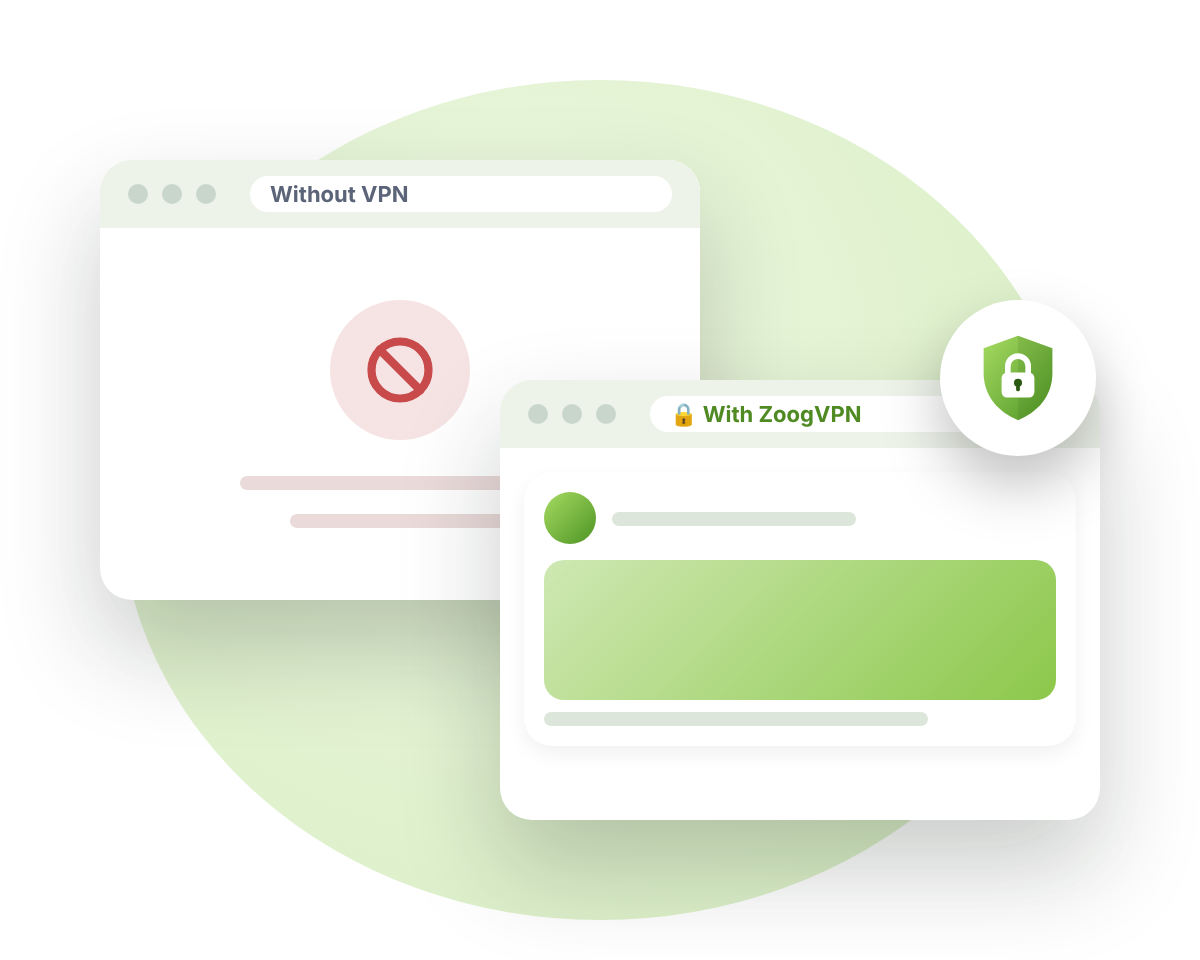
Unblock social media anywhere

Use Facebook, Instagram, WhatsApp, YouTube, Telegram and more, even where they’re blocked. ZoogVPN encrypts your connection and hides your IP, so you stay connected and private on every network.

Platforms
17+
Encryption
256‑bit
Logs kept
0
Devices
10
vpn social media header 1
  • Shadow protocol
  • Zero logs policy
  • Kill Switch
  • Works at school & work

Why Use a VPN for Social Media?

Many countries block social apps, especially during elections or protests, and schools, offices and public Wi-Fi often block them too. A VPN connects you through a server in another country, so the block no longer applies. It also encrypts your traffic and hides your IP address, so your provider or network owner can’t see which apps you use, and your accounts stay safer on public Wi-Fi.
Social media you can unblock

ZoogVPN works with every app and website. Here’s how it helps on the platforms people ask us about most.

Countries that block social media

Where social apps are blocked or restricted, and how to connect. Last checked October 2026.

Country
Blocked or restricted
Our tip
🇨🇳ChinaExtreme
FacebookInstagramWhatsAppYouTubeXTelegramDiscordRedditPinterestGoogle
Turn on the Shadow protocol
🇷🇺RussiaHigh
FacebookInstagramThreadsXWhatsAppViberSignalDiscordLinkedInTelegram (slowed)YouTube (slowed)
Turn on the Shadow protocol
🇮🇷IranExtreme
FacebookInstagramXYouTubeTelegramTikTokWhatsApp (unstable)
Turn on the Shadow protocol
🇹🇲TurkmenistanExtreme
Most international apps and messengers
Turn on the Shadow protocol
🇲🇲MyanmarExtreme
FacebookInstagramXWhatsAppTikTok
Check local laws first
🇹🇷TurkeyPartial
DiscordX, Instagram and YouTube during major events
Connect to any nearby server
🇦🇪UAE, Qatar, Oman, EgyptCalls blocked
Voice and video calls on WhatsApp, Signal and similar apps
Connect to a server outside the region
🇹🇿TanzaniaPartial
X (Twitter)
Connect to any nearby server
🇻🇪VenezuelaPartial
X (Twitter)Temporary blocks on other apps
Connect to any nearby server

Blocked at school or work? Connect to any ZoogVPN server and the network’s filter can’t see or block the apps you use.

Get started →

Restrictions change often. Some countries also restrict VPNs, so always check the local law before you connect.

How to Unblock Social Media in 3 Steps

Takes about a minute. No technical knowledge needed.

Step 1

Get ZoogVPN

Sign up and install the app on your phone or computer. It’s best to do this before you travel to a restricted country.

Step 2

Connect to a Server

Pick a server in a country where the app works. In heavily restricted countries, turn on the Shadow protocol first.

Step 3

Open Your App

Open Instagram, WhatsApp, Telegram or any other app and use it as usual.

On Your Phone, Computer and Tablet

One Premium plan covers up to 10 devices at the same time.

  • Phones & tablets: iPhone, iPad and Android
  • Computers: Windows, macOS and Linux
  • Whole home: set up ZoogVPN on your router

Is It Legal to Use a VPN for Social Media?

Using a VPN is legal in most countries. Some countries, such as China, Russia, Iran and Myanmar, restrict or ban VPNs, and a VPN doesn’t change the law where you are. Please check your local rules before you connect.

Also remember that social apps can still see what you post and who you talk to when you’re logged in. A VPN protects your connection, not the content you choose to share.

Free vs Premium

Try ZoogVPN Free, no credit card required. Premium unlocks every location, the Shadow protocol and up to 10 devices.

Free Best valuePremium
VPN locations 3 50
Devices at once 1 10
Monthly data 10 GB Unlimited
Encryption 128-bit 256-bit
Zero logs
All features Limited
Price $0forever $2.49per month, 2-year plan
Get started Get started

Social Media VPN FAQ

Quick answers. More in our FAQ.

How does a VPN unblock social media?

A VPN connects you to the internet through a server in another country. The block only applies to your local network, so once you’re connected through ZoogVPN, the app works as it does in that country.

Which social media apps work with ZoogVPN?

All of them. ZoogVPN protects your whole device, so Facebook, Instagram, WhatsApp, Messenger, YouTube, TikTok, Snapchat, Telegram, Signal, Viber, Discord, X, Reddit, Threads, LinkedIn, Pinterest, Google and any other app work through it.

Which server should I connect to?

Choose a server in a country where the app isn’t blocked. A nearby country usually gives the best speed. See all locations on our servers page.

What if ZoogVPN itself is blocked in my country?

Turn on the Shadow protocol in the app settings. It disguises your VPN traffic so it’s much harder to detect and block. If you still can’t connect, contact our 24/7 support team.

Can I use ZoogVPN at school or work?

Yes, a VPN gets past most school and office filters. Please follow your school’s or employer’s rules, and remember that a work device can still be monitored by its owner.

Will my account be locked if I log in from another country?

Some apps ask you to confirm it’s you when you log in from a new location. Just confirm by email or SMS. Using the same server country each time helps avoid repeat checks.

Will a VPN slow down video and calls?

Encryption adds a small extra step, but a nearby server and the WireGuard protocol keep video and calls smooth.

Is there a free VPN for social media?

Yes. ZoogVPN Free gives you 10 GB a month on 5 locations with no credit card needed. Premium adds every location, the Shadow protocol and up to 10 devices.

🔓 Open internet · 75% off

Stay Connected, Wherever You Are

Unblock your favorite social apps, keep your chats private and stay safe on any Wi-Fi.

  • Shadow protocol for restricted countries
  • Zero logs policy
  • Free plan, no credit card required