


Best VPN for Windows in 2026

User-friendly app that’s really fast. Easy Setup on all Windows versions.

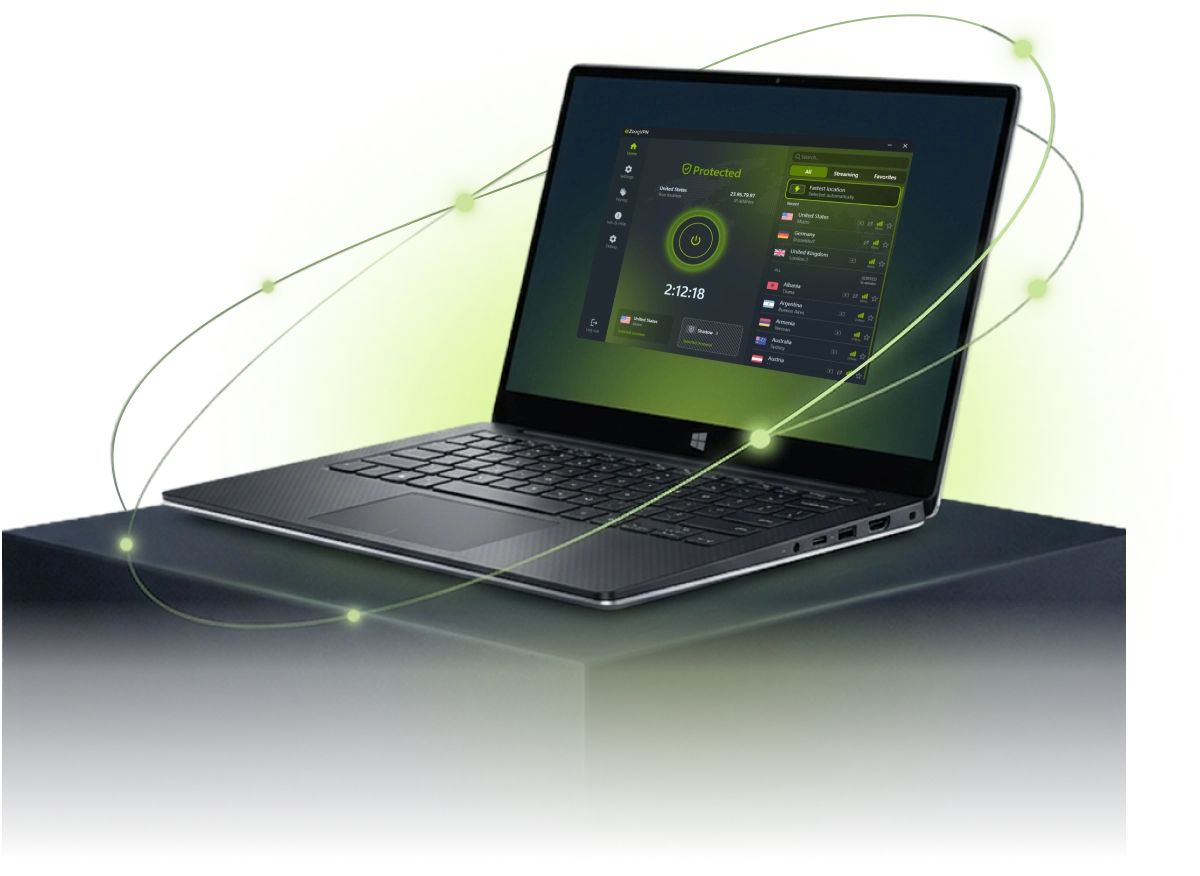
Seamless online experience: stream, play, download, and browse with our PC VPN. ZoogVPN is without a doubt the best VPN for Windows PC, combining rich feature list with affordable prices and an ever-growing server base.

  • 7-day money-back guarantee

Why Use a VPN on Windows PCs?

Find out how a VPN for Windows can enhance your daily online activities, from work security to unrestricted entertainment.

Safeguard Your Data With Premium Tools

Using a VPN for Windows helps shield you from a wide range of concerns, whether you make a PayPal transaction or access work resources from abroad.

Many ISPs (like AT&T or Verizon) collect user metadata. However, our bank-grade encryption keeps your traffic private. To maximize your protection, we’ve packed the Windows app with advanced security features like Kill Switch and leak protection.


Unlock the Full Potential of the Internet

With ZoogVPN, you get more than just privacy. Enjoy buffer-free streaming on Netflix and Hulu, or jump into low-latency online gaming lobbies by connecting to a nearby server.

Need to download large files? We offer dedicated servers for anonymous P2P torrenting. With instant access to our global network of VPN servers, digital borders become a thing of the past.

Download VPN for Windows

ZoogVPN for Windows: Your Personal Digital Shield

Download a trusted VPN client for PC compatible with Windows 11, 10, 8, and 7. Our app utilizes advanced 256-bit encryption to protect your traffic from ISPs, advertisers, and cyber threats.

Ensure complete online anonymity and hide your real IP address with a single click. Start with our free plan. No credit card required, to experience the connection quality firsthand.

ZoogVPN security shield

Start Your Secure Journey Today

Join millions of users.
Unlimited traffic and 120+ locations on Premium.

Get Free VPN

Why Choose the ZoogVPN App for Windows?

Packed with advanced security features that power users love and beginners understand.

Bank-Grade Encryption

We use the AES-256 cipher standard, the same level of encryption banks rely on to keep data private.

Shadow Protocol

Built for heavily censored networks in countries like China, Russia, Iran, Egypt and Qatar. Choose Shadow if other protocols don’t work for you.

Windows Kill Switch

Advanced system-level Kill Switch ensures not a single packet of data leaves your PC if the connection drops.

SOCKS5 Proxy

Included for free. Configure your torrent client or browser to use our proxy for faster speeds without encryption overhead.

Auto-Connect

Set ZoogVPN to launch on Windows startup and connect instantly. Never browse unprotected by accident.

DNS Leak Protection

DNS and IP leak protection is built in, so your DNS requests stay inside the VPN tunnel.

Streaming Optimized

Dedicated 1 Gbps bare-metal servers, including streaming-optimized ones, for smooth playback.

Up to 10 Devices

One Premium account protects up to 10 devices at the same time.

ZoogVPN for Windows: Technical Specs

A quick overview of our VPN client capabilities for PC.

Supported OS Windows 11, Windows 10, Windows 8, Windows 7
Encryption AES-256-CBC, AES-256-GCM, SHA-256 authentication
Protocols WireGuard®, IKEv2, OpenVPN (TCP/UDP), Shadow, Rift
Leak Protection DNS, WebRTC, and IPv6 leak protection (built-in)
Device Architecture x86, x64, ARM64 (Surface Pro X support)
Advanced Features Kill Switch, ZoogShadowing (Obfuscation), Auto-Connect, SOCKS5
Version Latest: v8.1.0

How to Use ZoogVPN Windows App

Getting started is simple. Follow these steps to secure your PC in minutes.

Step 1

Create an Account

To start using ZoogVPN on Windows, sign up for free or upgrade to a Premium account.

Our Free plan requires no credit card and offers 10GB of monthly data. With Premium, you can use ZoogVPN on up to 10 devices simultaneously, connect to 120+ locations, and access streaming services.

Step 2

Install the Windows App

Download the ZoogVPN installer, run it, and follow the short setup wizard. The app works on Windows 11, 10, 8 and 7.

Once it is installed, open ZoogVPN and sign in with the account you just created.

Step 3

Click Connect and Enjoy

Hit Connect and ZoogVPN picks the fastest nearby server automatically. Want a specific country? Just pick it from the location list.

  • Your ISP cannot monitor your activity.
  • Websites see the IP address of the VPN server, not yours.
  • Public Wi-Fi networks become safe to use.

Trusted by Experts. Loved by Users.

Consistent high ratings across all platforms and devices.

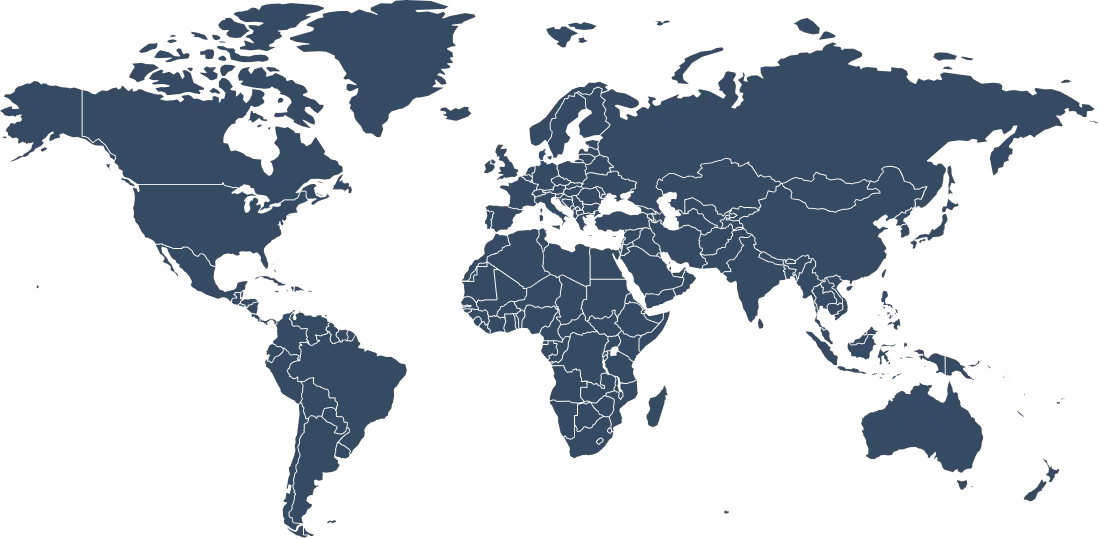
Get an IP Address From 120+ Locations Worldwide

A large server network means faster, more reliable connections on your Windows PC. That’s exactly what you get with ZoogVPN.

Why Server Variety Matters for Windows?

Windows is the ultimate platform for gaming, heavy downloading, and 4K streaming. To get the best performance, you need a VPN server that is physically close to you (to lower ping) or located in a specific country (to unblock content).

With 120+ locations, ZoogVPN allows you to switch your virtual location with a single click. Struggling with laggy lobbies in Call of Duty? Switch to a nearby optimized server. Want to watch BBC iPlayer on your laptop? Hop onto a London server. Our network is constantly refreshed to ensure 1Gbps speeds and bypass the toughest geo-blocks.

120+ Global Locations
100% Bare-Metal Servers
1Gbps Optimized Speed
P2P Torrent Friendly
Get ZoogVPN

Auto-connect finds the fastest server for you.

Choose Your Freedom Plan

Start for free, upgrade for unlimited power.

Get Premium Now (Save 75%)
Feature
Free Plan
Premium Plan
Locations
5 Locations
120+ Locations (Global)
Monthly Data
10 GB
Unlimited
Streaming (Netflix)
No
Yes, Unblocked
Encryption
128-bit
256-bit AES
P2P / Torrenting
Limited
Dedicated Servers

Protect Your Data With a VPN for Windows 11, 10, 8 & 7

You don’t have to pick and choose which device to protect. One ZoogVPN subscription covers up to 10 connections at the same time. You can download our VPN on Windows PCs, laptops, and tablets (fully compatible with versions 11, 10, 8, and legacy Windows 7).

We also offer native apps for macOS, Linux, Android, iOS, Android TV, and Amazon Fire TV Stick. If your device doesn’t have native VPN support, you can set up ZoogVPN on your router to protect your Smart TV, game console (PS5/Xbox), or other gadgets.

Frequently Asked Questions About VPNs

Everything you need to know about privacy, speed, and features.

Are VPNs legal?

Yes, using a VPN is perfectly legal in most countries, including the US, UK, Canada, and Europe. It is a legitimate tool for privacy and security. However, some countries with heavy censorship (like North Korea or Iraq) may restrict VPN usage. Always ensure you are not using a VPN for illegal activities.

Read more: Are VPNs Legal?

What is ZoogVPN?

ZoogVPN is a VPN service run by Zoog Services IKE, founded in 2013 and based in Greece. It offers 120+ locations in 80+ countries, apps for Windows, Mac, iOS, Android, Android TV, Amazon Fire TV, Linux and routers, and browser extensions for Chrome, Firefox, Edge and Opera.

Is there a free plan?

Yes. The free plan includes 5 locations (Dusseldorf, Amsterdam, Singapore, London and Washington), 10 GB of data per month and 1 device. Premium unlocks 120+ locations, unlimited data and up to 10 devices.

Does a VPN slow down internet speed?

A VPN may slightly reduce your internet speed due to encryption overhead and server distance. However, with ZoogVPN’s optimized servers, the impact is minimal and often unnoticeable during everyday use.

How many devices can I use at the same time?

With a Premium plan you can protect up to 10 devices at the same time. The free plan covers 1 device.

Can I use ZoogVPN for torrenting?

Yes, P2P and torrenting are allowed. Premium includes dedicated servers for torrenting, while the free plan has limited P2P support.

Can I switch between servers?

Yes, you can switch servers as often as you like. Free plan users can choose from 5 locations, and Premium users from 120+.

Is ZoogVPN safe to use?

Yes, ZoogVPN uses AES-256 encryption, a strict no-logs policy, and advanced security protocols to keep your data private and secure.

Does ZoogVPN keep logs of my activity?

No. ZoogVPN follows a strict no-logs policy.

Where is ZoogVPN based?

ZoogVPN is operated by Zoog Services IKE, which is legally registered in Greece, outside the 14 Eyes alliance.

Does ZoogVPN have a kill switch?

Yes. ZoogVPN includes a kill switch and leak protection, so your traffic is not exposed if the VPN connection drops.

Is a VPN Necessary for Windows?

Windows is the most popular operating system in the world, making it a prime target for hackers, advertisers, and surveillance agencies. By using a VPN (Virtual Private Network) on your Windows machine, you route your traffic through an encrypted tunnel.

This matters most on networks you don’t control: hotel, airport and cafe Wi-Fi rarely encrypts traffic between your PC and the router, so anyone else on that network could try to read unencrypted data. ZoogVPN protects that traffic with AES-256 encryption, and the built-in Kill Switch in our Windows app blocks your internet access if the VPN connection ever drops, so your real IP is never exposed while the app reconnects.

Ready for a Safer Internet?

Join millions of users securing their Windows PCs today.