






WATCH RTL PLAY FROM ANYWHERE

The Best VPN for RTL Play to Watch Belgian TV Abroad

RTL Play is the catch-up service of RTL Belgium, and its rights stop at the Belgian border. From abroad the player refuses to start. ZoogVPN gives your connection a Belgian address, so the programmes open as they do at home.

  • Watch RTL Play outside Belgium
  • Belgium IP address from a server in Brussels
  • Full HD without stalling or drops
  • Up to 10 devices per account
4.7

Why Use a VPN for RTL Play?

RTL Belgium licenses its programmes for Belgium, so RTL Play checks where you are connecting from and blocks every other address. Belgians abroad hit this on the first evening away, and so does anyone who follows the French-language channels from another country. A VPN routes your traffic through a server in Belgium, so the service sees a Belgian address and the stream plays.


Which Server to Pick for RTL Play

Only a Belgian address unlocks the stream. The other locations are there to test the route and to keep everyday traffic encrypted.

Belgium

Premium server
Flag of Belgium
Server Brussels

The only location that opens RTL Play, with the French-language channels and catch-up. It sits on the premium plan, which carries a 7-day money-back guarantee.

How to get a Belgium address

Germany

Free server
Flag of Germany
Server Dusseldorf

The nearest free European server. It will not unlock the stream, but it shows you how the route performs before you move to premium.

How to get a Germany address

Netherlands

Free server
Flag of the Netherlands
Server Amsterdam

The second free location in Europe. A sensible default for keeping everyday traffic encrypted when there is nothing on.

How to get a Netherlands address

How to Watch RTL Play From Anywhere?

Three steps and a couple of minutes. Nothing to configure by hand and no settings to change on your TV.

Step 1

Get ZoogVPN

Create your account in seconds. The Belgium location is on the premium plan, and you have 7 days to get your money back if it does not work out.

Step 2

Install the App

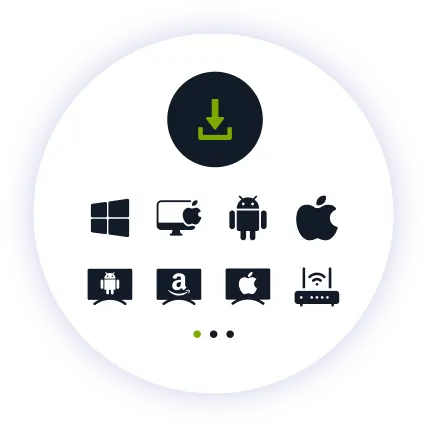
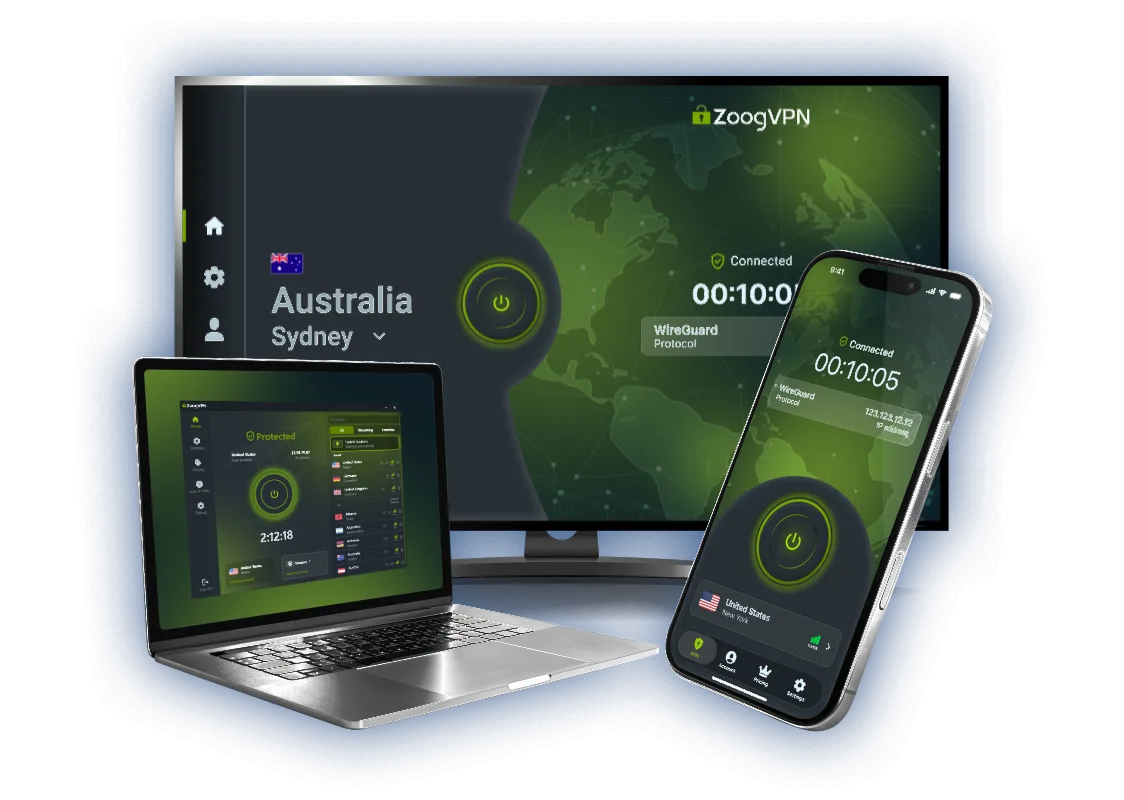
Install our lightweight app. Available for iPhone, iPad, Android, Windows, Mac, Android TV and routers.

Step 3

Connect and Watch

Pick Brussels from the server list and hit connect. Reload RTL Play and press play.

Why ZoogVPN is Your Solution for RTL Play

A Picture That Holds

Streaming does not forgive stalling. Our servers run on 1 Gbps links and are built for video traffic, so the picture keeps its quality through the whole show instead of dropping to a blur whenever the network gets busy.

The TV Counts Too

Shows belong on the big screen. ZoogVPN has an Android TV app, and where there is no app store, setting the connection up on your router covers the television as well.

No Data Cap

Two hours of HD is several gigabytes. The premium plan has no traffic limit, so nothing cuts out halfway through.

ZoogVPN vs Average Free VPN for RTL Play

What actually changes when you stop using a free browser add on.

Get Premium
Feature
Average Free VPN
ZoogVPN Premium
Belgium IP Address
Rarely offered
Brussels server on the premium plan
Stream Quality
Stalling, drops to low quality
1 Gbps servers, smooth HD
Bandwidth Limit
Capped, often 5GB a month
Unlimited
Simultaneous Devices
1 device only
Up to 10

Privacy on Every Screen

One subscription. Up to 10 devices.

RTL Play on Android TV and Firestick

The main screen in the house is where this belongs. ZoogVPN has native apps for Android TV and Amazon Fire TV Stick.

  • Search for “ZoogVPN” in your TV app store and install it.
  • Log in and connect to Brussels.
  • Open RTL Play and start watching.

RTL Play on iOS and Android

The easiest option when you are travelling. The app connects in one tap and stays on in the background.

  • Download ZoogVPN from the App Store or Google Play.
  • Log in, pick Belgium and tap connect.
  • Open the RTL Play app and watch.

RTL Play on Windows and macOS

On a laptop the app or the browser extension is enough. The full app also covers every other program on the machine.

  • Install the ZoogVPN app or the Chrome, Firefox or Edge extension.
  • Sign in and connect to the Brussels server.
  • Reload the site in your browser.
devices

Trusted by Experts. Loved by Users.

Consistent high ratings across all platforms and devices.

Frequently Asked Questions

Everything you need to know about privacy, speed, and features.

Why does RTL Play not work outside Belgium?

The rights cover Belgium, so the service reads your address and blocks anything else. Your account stays fine, the route is the problem.

Which server should I pick?

Brussels. A Belgian address is what the service checks, and the short hop keeps the picture steady.

Do I need an RTL Play account?

A free account is needed for most of the catalogue. The geo-block is separate from that and is decided by your address.

Will the free plan unlock it?

Not on its own. The free plan covers Washington, London, Singapore, Amsterdam and Dusseldorf, while RTL Play needs a Belgian address, which is on the premium plan. Premium comes with a 7-day money-back guarantee, so you can test it and get the full amount back if it does not suit you.

Does a VPN hurt the picture quality?

Not with ZoogVPN. Our servers run on 1 Gbps links and are built for video. If the picture does stutter, switch to another server in the same country or change protocol in the app settings.

Can I watch on my TV?

Yes. Android TV and Fire TV Stick have their own ZoogVPN app. On a Samsung, LG or Sony set with no app store, install ZoogVPN on your router instead and every device on that Wi-Fi is covered.

The stream still will not start. What now?

Try another server in the same country first, since a single address can get flagged while the rest work. If that fails, clear the site data in your browser or switch protocol in the app. Our support team can point you to a location that is working right now.

Why Server Choice Decides Everything for RTL Play

RTL Play looks the same from anywhere, but the rights behind the programmes cover Belgium alone. The service reads your address before the player loads and refuses anything that comes from outside.

That is why the country you connect through matters more than the number of servers on a marketing page. A Belgian address from Brussels opens the catalogue, while the free German and Dutch locations are there to check the route. ZoogVPN runs 120+ locations across 80+ countries, five of them open on the free plan.

Set up ZoogVPN in a couple of minutes. Watch RTL Play from anywhere.

Get ZoogVPN Now