











LISTEN TO SPOTIFY ANYWHERE

The Best Spotify VPN to Listen to Your Library Anywhere You Go

Spotify runs a separate version of its service in every market it operates in, and it is not offered at all in a handful of countries. Travel, and tracks start greying out or playback stops entirely. ZoogVPN keeps you connected to your home market so your library, playlists and podcasts carry on working.

  • Reach your home Spotify market while abroad
  • No ISP throttling on music streaming
  • Stay private on public Wi-Fi
  • Works on all your devices
4.7
Streaming Spotify hero img

Why Use a VPN for Spotify?

Spotify licenses music, podcasts and audiobooks separately in each of the markets it serves, so the same account can look different depending on where you open it. Individual tracks grey out when the rights holder has not licensed them locally, and audiobooks are included in only a couple of dozen markets. A VPN routes your connection through a server in the country you choose, so Spotify sees that location instead of your real one.


Best Spotify Locations to Connect From

Spotify runs a separate catalog in every market. Connect to a server in the country whose market you want to reach.

UK Market

Free server
Flag United Kingdom
Server London

The UK carries Spotify's monthly audiobook allowance alongside its full music and podcast catalog, matching what the US market gets.

How to get UK location

Japan Market

Premium server
Japan Flag
Server Tokyo

Japan is one of Spotify's largest markets, but audiobooks are not included in it. Connect to a market that does carry them if that is what you are after.

How to get JP location

US Market

Free server
Flag USA
Server USA

The United States gets Spotify's features first, including the monthly audiobook allowance and Lossless audio, ahead of most other markets.

How to get USA location

How to Use Spotify With VPN From Anywhere?

Spotify’s catalog is licensed market by market, so tracks can grey out the moment you cross a border, and features like audiobooks are only included in a couple of dozen countries. Connecting back to your home market keeps everything working. It takes just 3 short steps.

Step 1

Get ZoogVPN

Create your account in seconds. Start with our forever-free plan or choose premium for unlimited streaming.

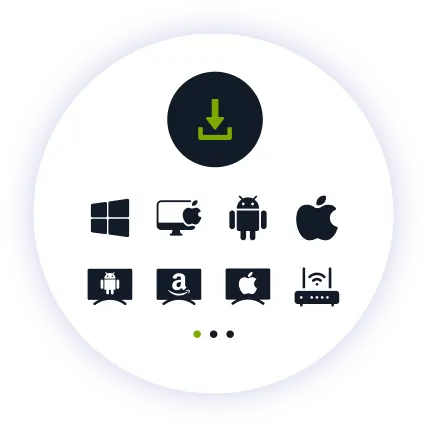
Step 2

Install the App

Install our user-friendly app. Available for iPhone, iPad, Android, Windows, Mac, Amazon Fire TV Stick, and more.

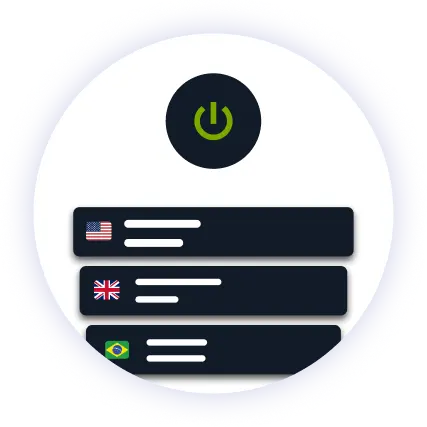
Step 3

Connect to US

Find your wanted location in the server list and hit connect. The regional library for your chosen country loads automatically.

Why ZoogVPN is Your Solution for Spotify

Get Past Geo-Restrictions

Spotify decides which version of its service to load from your IP address, and it blocks some VPN and datacenter addresses outright. ZoogVPN encrypts your traffic so your connection does not stand out, and keeps its streaming IPs refreshed so playback does not stop mid-track.

Stop Stuttering

ISPs sometimes throttle steady streaming traffic, which shows up as tracks that stall or quietly drop to a lower bitrate. Our encrypted tunnel hides what you are streaming, so your provider cannot single out your connection and slow it down.

Test Before Spending

You don't even need to pay to get started. Our Free access includes 5 locations in Washington, London, Singapore, Amsterdam and Dusseldorf. With ZoogVPN, simply connect to your home market and pick up your library where you left it.

ZoogVPN vs Average VPN for Spotify

See why millions of users choose us for streaming Spotify

Get Premium Now
Feature
Average Free VPN
ZoogVPN Premium
Speeds for Streaming Spotify
Throttled & Slow
1 Gbps servers for lossless audio
Unblocking Capabilities
Usually detected and blocked
Bypasses Regional Restrictions
Bandwidth Limit
Capped (e.g. 5GB/month)
Unlimited
Simultaneous Devices
1 Device only
Up to 10

Privacy on Every Screen

One subscription. Up to 10 devices.

Play Spotify on Android TV & Firestick

Spotify on the living room speakers. ZoogVPN offers native apps for Android TV and Amazon Fire TV Stick.

  • Search for “ZoogVPN” in your TV’s app store and install it.
  • Log in and connect to your home country.
  • Open Spotify and press play.

Play Spotify on Windows & macOS

Prefer your laptop or desktop? Our lightweight apps for Windows and macOS get you connected in seconds.

  • Download and install the ZoogVPN desktop app.
  • Sign in and connect to your home country.
  • Open the Spotify app or player and hit play.

Play Spotify on iOS & Android

Traveling with just your phone? Keep your library working with our mobile apps.

  • Download ZoogVPN from the App Store or Google Play.
  • Log in, tap connect and choose your home country.
  • Open Spotify and carry on where you left off.
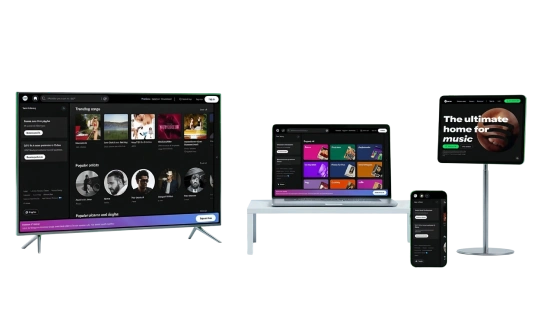
Spotify Devices

Trusted by Experts. Loved by Users.

Consistent high ratings across all platforms and devices.

Frequently Asked Questions

Everything you need to know about privacy, speed, and features.

Why does Spotify say I'm using a proxy or VPN?

Spotify’s message means it flagged your connection, usually because you are on a shared VPN IP address used by many people at once. Switching to a different ZoogVPN server clears it in most cases, since we rotate our streaming servers regularly to stay ahead of these blocks.

How do I use Spotify while traveling?

Connect to a server in your home country before you open the app. Spotify loads the market your subscription belongs to, and your playlists, podcasts and downloads behave exactly as they do at home.

Is it safe to use a VPN for Spotify?

Yes, in the sense that a VPN encrypts your connection and hides your real IP address: Spotify asks members to use the version of the service offered in their country of residence, so treat a VPN as a way to reach your own market rather than a way to switch markets.

Does a VPN slow down Spotify?

Not with ZoogVPN. Our high-speed 1 Gbps servers are optimized for streaming, so playback stays smooth even at high audio quality.

Why are some songs greyed out on Spotify?

Because the rights holder has not licensed that track in the country your connection points to. Greyed-out tracks are normal Spotify behavior and the list varies from market to market. Connecting back to your home country restores the version of the catalog your account is used to.

How do I set up a VPN for Spotify on my TV?

Fire TV Stick: grab ZoogVPN from the App Store. Android TV: same deal via Google Play. No app store (Samsung, LG, Sony)? Install ZoogVPN on your router instead. Every device on that Wi-Fi, TV included, gets covered automatically.

Can I change my Spotify country with a VPN?

No. Spotify asks for a payment method issued in the new country before it will move your account to that market, so an IP address on its own will not change anything. A VPN is for reaching the market you already belong to.

What happens to a free Spotify account abroad?

Free accounts stop playing after about 14 days outside the registered country until the account country is updated. Premium accounts are not cut off the same way. Connecting to a server back home avoids the interruption entirely.

Why Server Location Matters for Spotify?

Spotify is not one worldwide service, it is roughly 184 local ones. Each market has its own licensing, which is why a track can play in one country and grey out in the next, and why features such as audiobooks are included in only about two dozen markets. Your IP address is what tells Spotify which of those versions to load.

That is why server location matters. A server in your home country puts you back on the version of Spotify your subscription actually belongs to, which is what you want when you are traveling: Spotify asks members to use the service offered in their country of residence, so the value of server variety here is reaching back home, not shopping between markets.

Get your VPN set up before your next trip. Keep your Spotify library with you, wherever you are.

Get ZoogVPN Now