








UNBLOCK PINTEREST ANYWHERE

The Best VPN for Pinterest to Unblock Boards Anywhere

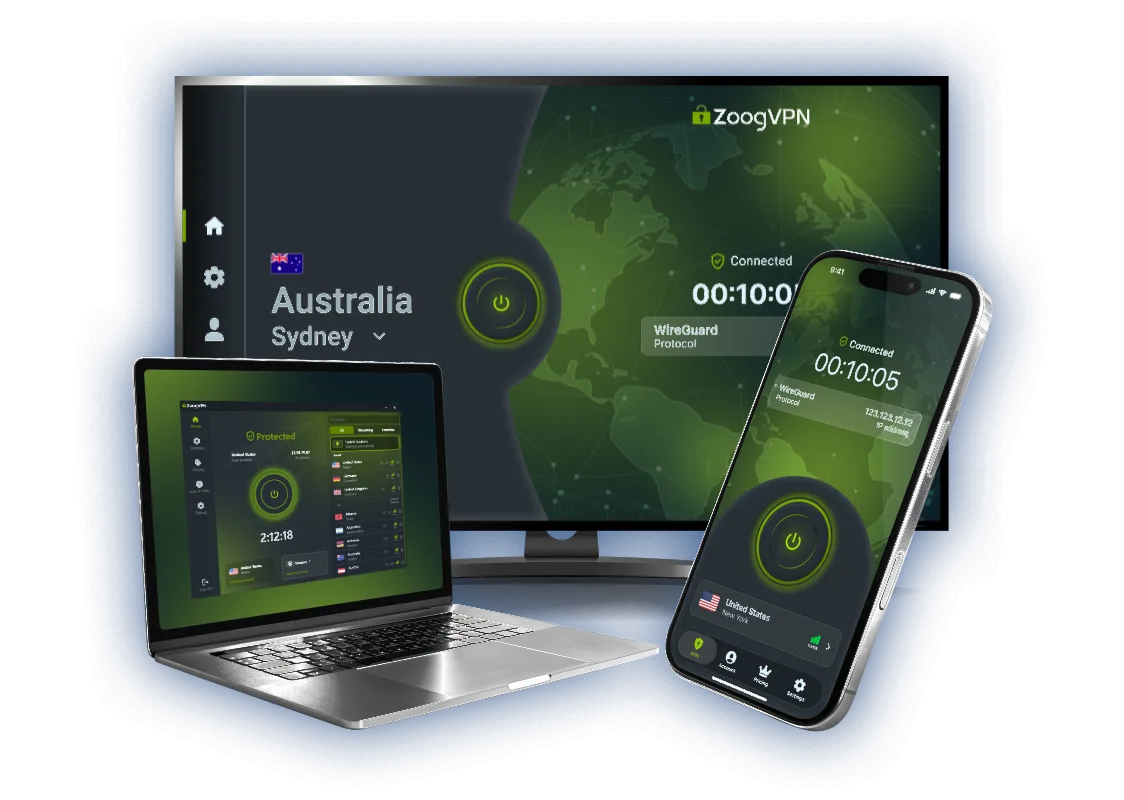
Pinterest gets filtered on school and office Wi-Fi, and a few countries block it outright. ZoogVPN gives your connection an address somewhere else, so the feed loads, pins open and images stop timing out.

  • Unblock Pinterest on school and work networks
  • Reach your boards from countries that filter the site
  • Stop your provider from seeing what you browse
  • Up to 10 devices per account
4.7

Why Use a VPN for Pinterest?

Pinterest is free to use, but it is not equally reachable. Schools and offices block it at the router because it eats bandwidth and attention, a handful of countries filter it nationwide, and some workplaces only let a short list of sites through. Every one of those checks looks at where your connection comes from. A VPN routes your traffic through a server in another country, so the network sees one encrypted session and Pinterest sees a visitor from somewhere it serves normally.

Best Server Locations for Pinterest

Pinterest works in most of the world, so pick a country for speed rather than for access. These three are open on the free plan.

United States

Free server
Flag USA
Server Washington D.C.

Pinterest is an American service and most of its traffic is served from there, so a US location gives you the quickest feed and the full set of shopping pins.

How to get USA location

United Kingdom

Free server
Flag United Kingdom
Server London

The closest option for most of Europe. Images load fast and the site works in English without switching your account region.

How to get UK location

Singapore

Free server
Flag of Singapore
Server Singapore

The sensible pick across Asia, and the usual way around a national filter in the region without sending your traffic halfway around the planet.

How to get Singapore location

How to Unblock Pinterest With a VPN?

Whether the block sits on your school network or on your whole country, the fix is the same. Three steps, no settings to edit.

Step 1

Get ZoogVPN

Create your account in seconds. Start with the forever free plan or go premium for unlimited traffic.

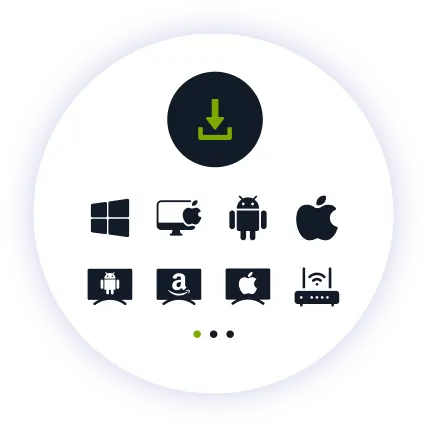
Step 2

Install the App

Install our lightweight app. Available for iPhone, iPad, Android, Windows, Mac and as a browser extension.

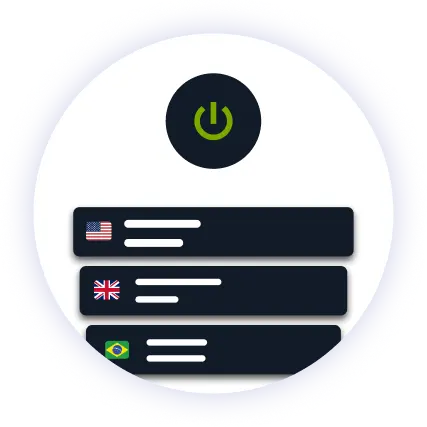
Step 3

Connect and Browse

Pick a country from the server list and hit connect. Reload Pinterest and your boards are back.

Why ZoogVPN is Your Solution for Pinterest

Get Past Network Blocks

Network filters look at where your traffic is headed, and plain proxies give that away. ZoogVPN wraps the connection in encryption, so the filter sees one ordinary secure session and has nothing to match against a blocklist.

Images That Actually Load

A Pinterest feed is hundreds of images at once, which is exactly the traffic a busy school or cafe network throttles first. An encrypted tunnel hides what you are loading, so there is nothing to single out and slow down.

Test Before Spending

You do not have to pay to find out whether it works. The free plan includes 5 locations in Washington, London, Singapore, Amsterdam and Dusseldorf, which covers Pinterest everywhere it is filtered.

ZoogVPN vs Average Free VPN for Pinterest

What actually changes when you stop using a free browser add on.

Get Premium Now
Feature
Average Free VPN
ZoogVPN Premium
Feed and Image Loading
Slow, images stuck on grey
1 Gbps servers, instant scrolling
Getting Past Network Blocks
Usually detected and blocked
Works on school, office and public Wi-Fi
Bandwidth Limit
Capped, often 5GB a month
Unlimited
Simultaneous Devices
1 device only
Up to 10

Privacy on Every Screen

One subscription. Up to 10 devices.

Pinterest on iOS and Android

Most pinning happens on a phone, and that is where campus and office blocks bite. The app connects in one tap and stays on in the background.

  • Download ZoogVPN from the App Store or Google Play.
  • Log in, tap connect and choose a location.
  • Open the Pinterest app and keep scrolling.

Pinterest on Windows and macOS

On a laptop the browser extension is often enough, and the full app covers every other program as well.

  • Install the ZoogVPN desktop app or the Chrome, Firefox or Edge extension.
  • Sign in and connect to your chosen country.
  • Reload Pinterest in your browser.

One Setup for the Whole Home

Install ZoogVPN once on your router and every device on that Wi-Fi is covered, including the ones with no VPN app of their own.

  • Set up ZoogVPN on your router.
  • Every device on the network goes out through your chosen country.
  • Tablets, smart TVs and consoles included.
devices

Trusted by Experts. Loved by Users.

Consistent high ratings across all platforms and devices.

Frequently Asked Questions

Everything you need to know about privacy, speed, and features.

How do I unblock Pinterest at school or work?

That network blocks Pinterest at the router, not in your account, so the fix is to stop it seeing where your traffic is going. Connect ZoogVPN before you open Pinterest and the filter sees one encrypted connection instead.

Which country should I connect to?

Pinterest is available in most of the world, so choose for speed. Pick the United States for the fastest feed and the full set of shopping pins, the United Kingdom if you are in Europe, or Singapore across Asia.

Will a VPN change the pins I am shown?

A little. Pinterest uses your country for trending boards, shopping results and currency, so a US server surfaces more American pins. Your own boards, follows and saved pins stay exactly as they were.

Is it legal to use a VPN for Pinterest?

In most countries yes, and a VPN is an ordinary privacy tool. A handful of countries restrict VPN use, so check your local rules. Getting around a school filter is a matter of that school’s policy rather than the law.

Does a VPN slow Pinterest down?

Not noticeably with ZoogVPN. Our 1 Gbps servers handle image heavy pages without trouble. If the feed does crawl, switch to a server closer to you.

Pinterest still will not load with the VPN on. What now?

Try another server in the same country first, since one address can get flagged while the rest work. If that fails, clear the site data in your browser or switch protocol in the app settings. Our support team can point you to a location that is working right now.

Can I log in to my account over a VPN?

Yes. Signing in from a new country can trigger a verification email, the same as logging in while travelling, so keep access to your inbox handy and stick to one location where you can.

Is the free plan enough for Pinterest?

For browsing, usually. The free plan gives you 10GB a month and 5 locations. Image feeds are lighter than video, so that lasts a while, though heavy daily use is better on Premium.

Why Server Choice Matters for Pinterest

Pinterest looks like one global site, and for access it mostly is. What changes between countries is the route to it. A school or office filter decides before the page loads, based on the address you arrive from, and a national filter does the same thing on a larger scale. Neither has anything to do with your account.

That is why the country you connect through matters more than the number of servers on a marketing page. A US location gives you the quickest feed and the complete shopping catalogue, a UK location is the nearest option for most of Europe, and Singapore covers Asia without sending your images halfway around the world first. ZoogVPN runs 120+ locations across 80+ countries, and five of them are open on the free plan, so you can check that your boards load before you pay for anything.

Set up ZoogVPN in a couple of minutes. Open Pinterest from anywhere.

Get ZoogVPN Now