

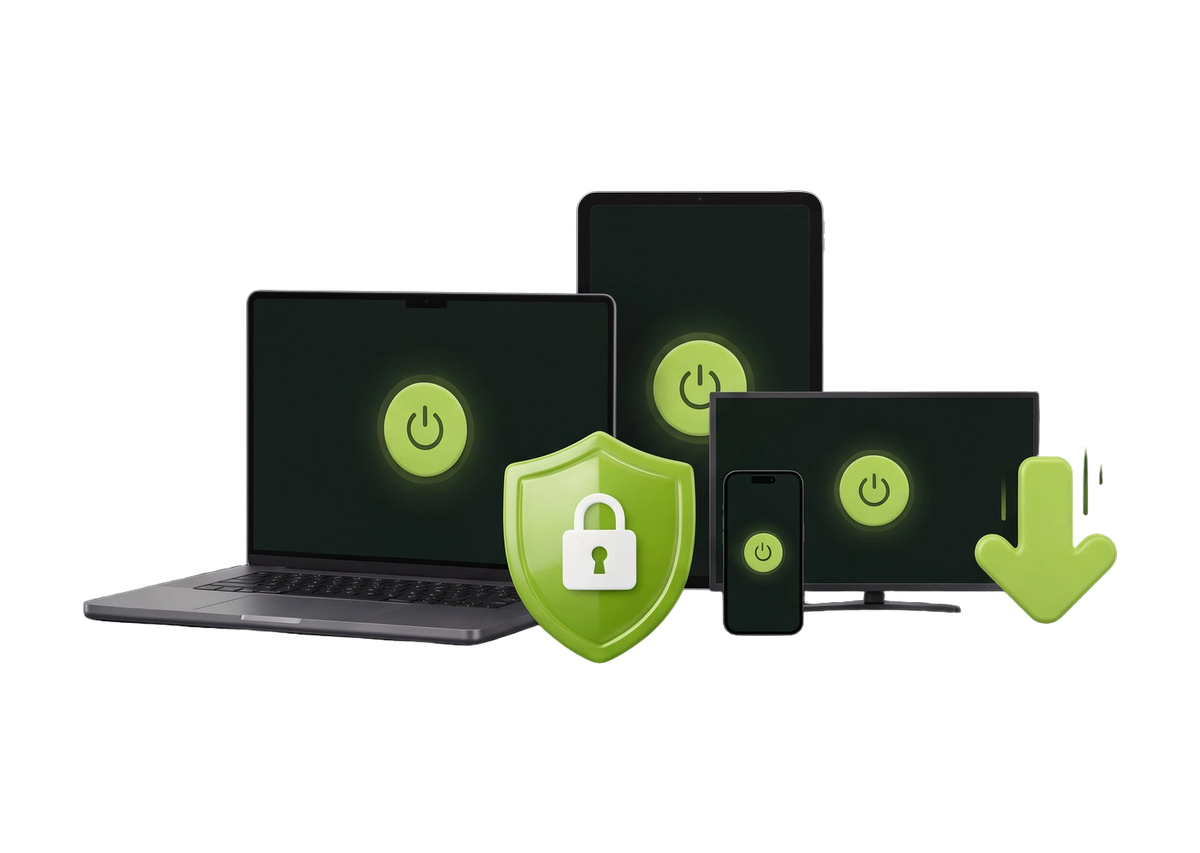
Download ZoogVPN for all your devices.

Free ZoogVPN apps for Windows, macOS, iOS, Android, Linux, TVs, routers and browsers. Switch it on and stay private in one tap.

Platforms
12
Devices at once
10
To download
Free
Logs kept
0
download hero
  • Free to download
  • One account on all devices
  • Set up in under a minute
  • Zero logs policy

Download the Latest ZoogVPN Apps

ZoogVPN is as easy as 1-2-3: download the app, sign in and switch it on. Our apps are free to download on every device, so you can use ZoogVPN from anywhere in the world.

Computer

ZoogVPN for Windows

Secure your PC in one click. Encrypt your traffic and connect to servers worldwide.

Download for Windows
Computer

ZoogVPN for macOS

Get privacy and security on your Mac with the ZoogVPN app.

Download for macOS
Computer

ZoogVPN for Linux

Install the ZoogVPN app for Linux with a few simple commands.

Download for Linux
Mobile

ZoogVPN for iOS

Protect your iPhone and iPad and connect to worldwide servers in one tap.

Download for iOS
Mobile

ZoogVPN for Android

Get the Android app and stay private on any Wi-Fi or mobile network.

Download for Android
TV & home

ZoogVPN for Android TV

Install ZoogVPN on Android TV and stream content from anywhere.

Download for Android TV
TV & home

ZoogVPN for Fire TV

Get ZoogVPN up and running on your Fire TV Stick within minutes.

Download for Fire TV
TV & home

ZoogVPN for Router

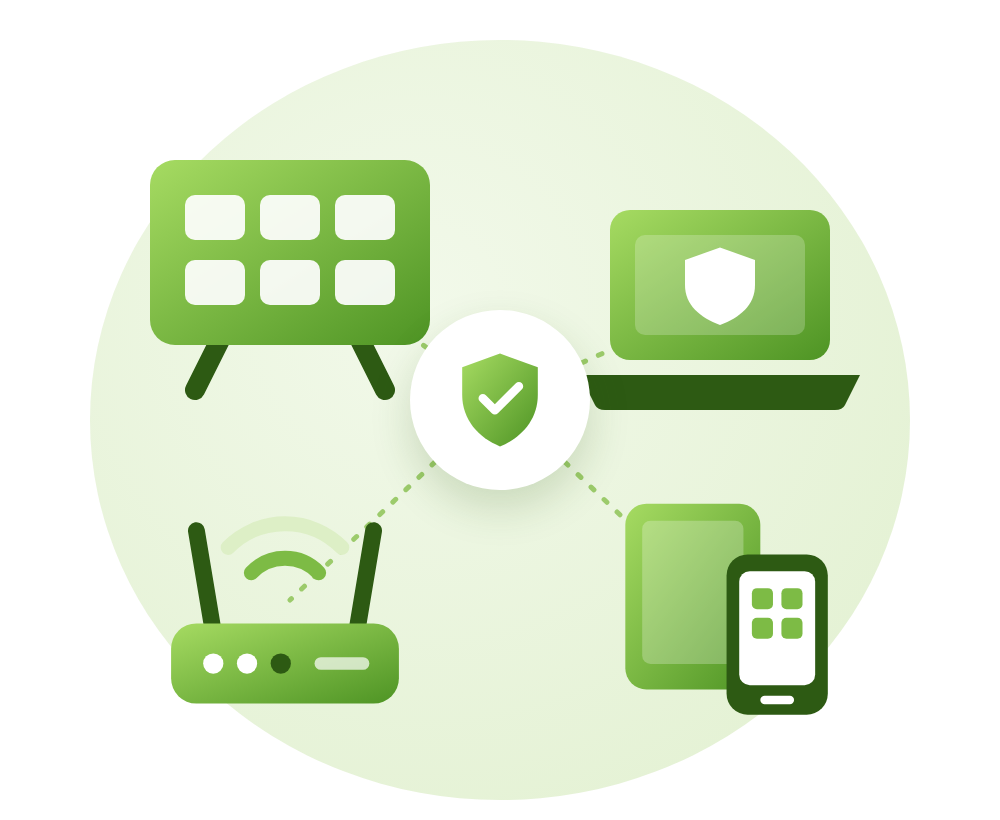
Set up ZoogVPN on your router to protect every device in your home.

Download for Router
Browser extension

ZoogVPN for Chrome

Add the ZoogVPN extension to Chrome and protect your browsing in one click.

Download for Chrome
Browser extension

ZoogVPN for Firefox

Add the ZoogVPN extension to Firefox and browse privately.

Download for Firefox
Browser extension

ZoogVPN for Edge

Add the ZoogVPN extension to Microsoft Edge and hide your IP in one click.

Download for Edge
Browser extension

ZoogVPN for Opera

Add the ZoogVPN extension to Opera and stay private while you browse.

Download for Opera
Trustpilot★★★★★★★★★★4.7Based on 162 reviews
Google Play★★★★★★★★★★4.5Rated 4.5 out of 5
App Store★★★★★★★★★★4.9Rated 4.9 out of 5

Didn’t Find an App for Your Device?

ZoogVPN has dedicated apps for all major devices. If you can’t find an app for yours, we’ve got you covered: follow our simple setup tutorials and configure the VPN on almost any device.

You can also protect your BlackBerry, Windows Phone, Kindle Fire, Chromebook and router.
Looking for OpenVPN Configs or Certificates?

Sign in to your dashboard to find OpenVPN configs, certificates and other downloads.

Sign in to dashboard

Download Free VPN: FAQ

Quick answers about getting ZoogVPN on your devices.

Can I download a VPN for free?

Yes. All ZoogVPN apps are free to download. Choose your device above, download the app, create a free account and connect.

How do I install ZoogVPN?

Pick your device on this page and click its download button. On the device page you’ll find the download link and simple step-by-step instructions.

How many devices can I use at the same time?

One Premium subscription covers up to 10 devices at the same time.

My device isn't listed. Can I still use ZoogVPN?

Most likely, yes. Follow our setup guides in the Help Center to configure ZoogVPN manually, or contact our 24/7 support team.

Where can I find OpenVPN configs and certificates?

Sign in to your ZoogVPN dashboard to find OpenVPN configs, certificates and other downloads.

⬇️ Download ZoogVPN · 75% off

One Account. Every Device.

Free apps for 12 platforms, zero logs and up to 10 devices at once.

  • Free to download
  • Zero logs policy
  • 7-day money-back guarantee