

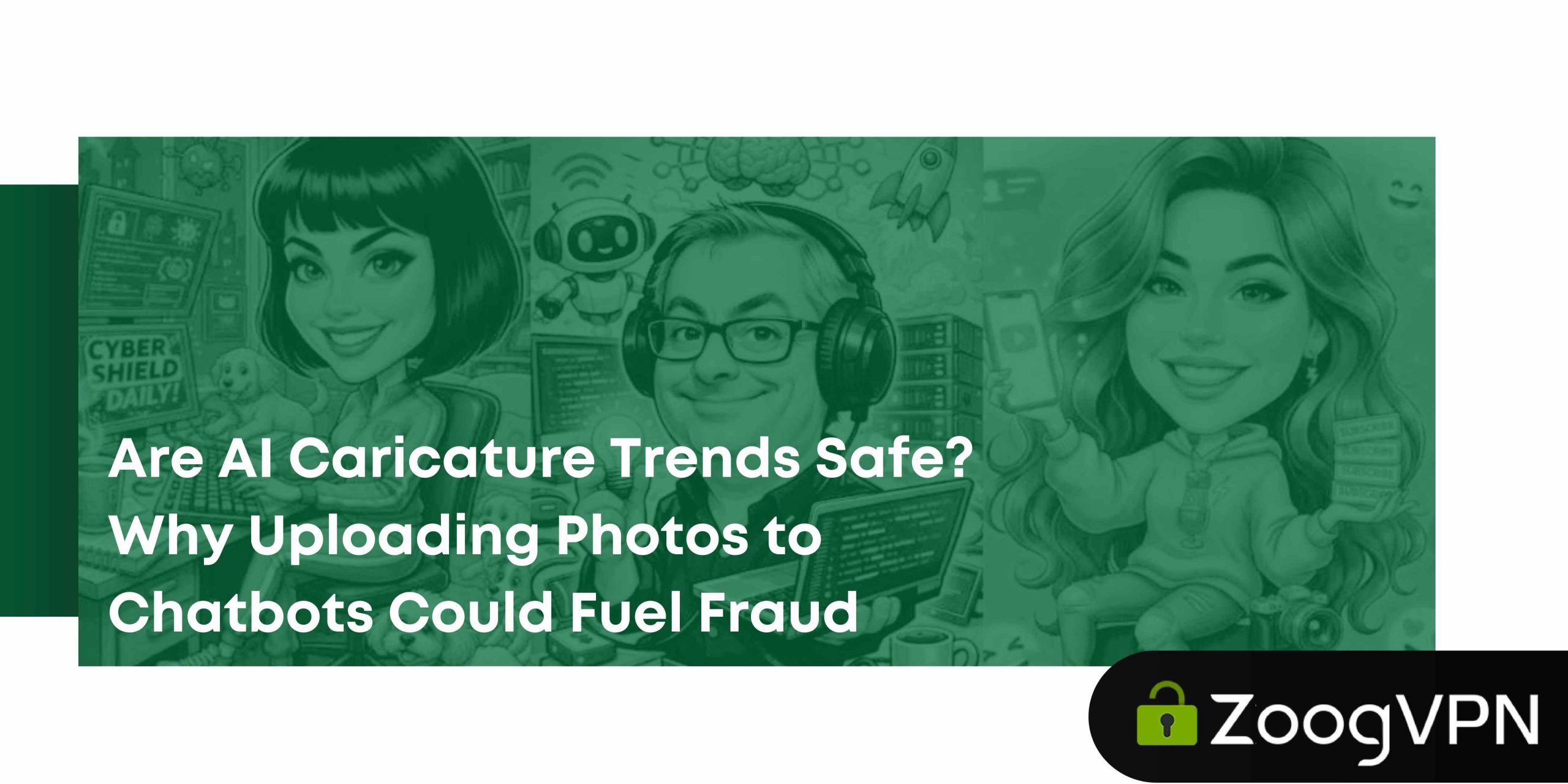
At some point between your morning coffee and scrolling LinkedIn, you probably saw it: someone turned into a cartoon version of themselves, with their job title above their head. Maybe you laughed, or even thought about trying it. Undoubtedly, it does look fun.
Yet, when you upload a clear photo of your face alongside details about your employer, role, and location, you are not just generating a quirky image. You are handing over a ready-made identity package to a platform you know very little about.
As Keepnet Labs claims, fraud attempts using deepfakes have increased by 2,137% over the last three years, and, according to Entrust, in 2024, a deepfake attempt occurred every five minutes. Businesses lost an average of nearly $500,000 per deepfake-related incident in 2024 – and that figure only covers direct financial damage, not reputational fallout or legal costs. Meanwhile, only 22% of financial institutions have implemented AI-based fraud prevention tools, meaning the gap between attack volume and defense capability is widening fast.
Cybersecurity researchers have flagged AI caricature trends as a low-effort data collection opportunity that users are essentially volunteering for. The caricature is the bait. The data – your photo, your context, your metadata – is the catch.
This article breaks down what actually happens when you upload images to AI chatbots, what fraud risks they create, and how to participate in these trends without handing over more than you intended.
What Is the AI Caricature Social Media Trend?
The premise is quite simple: you upload a photo of yourself – usually a professional headshot or a clear selfie – and add some context in the prompt: your job title, employer, industry, maybe a quirky personality trait. The AI generates a stylized illustration that summarizes your professional identity in cartoon form. The appeal is obvious: it is personalized, visually distinct, and works well as a profile picture or conversation starter. For professionals, it doubles as a soft personal branding move. For everyone else, it is just a bit of fun.
What separates this from a standard Instagram filter, though, is the data density involved. A blur or a color correction touches only pixels. An AI caricature prompt bundles a high-resolution facial image with contextual identity data – your name, your role, your company, sometimes your location. That combination is significantly more valuable than a face alone, and significantly more useful to the wrong hands than most users realize.
Why Cybersecurity Experts Are Concerned
A single high-resolution image of your face, stripped of context, is mildly useful to a fraudster. Add your job title, employer, and a rough location, and it becomes something closer to an identity starter kit.
This is the core concern that security professionals raise about AI caricature trends: users are voluntarily bundling the two most valuable components of identity theft – a biometric and a professional profile – and sending them to third-party platforms in exchange for a cartoon.
Visual data enables impersonation at a level that text-based data alone cannot. A fraudster with your photo and your professional context can craft convincing AI-generated deepfakes video calls, build fake LinkedIn profiles with enough detail to pass basic scrutiny, or launch spear-phishing attacks that reference real details about your career history.
There is also a subtler problem. AI systems sometimes extract more from a prompt than the user consciously provides. Background elements in a photo – an office interior, a company logo on a wall, a building visible through a window – can reveal organizational affiliation, approximate location, or seniority level. Users who think they are sharing just a selfie are often sharing considerably more.
The net result is what security researchers describe as pre-packaged social engineering impersonation material: a curated snapshot of your identity that requires minimal additional work to weaponize.
What Happens When You Upload an Image to an AI Chatbot?
Most people hit “send” without thinking much about what happens on the other side. The honest answer is: more than the platform’s UI implies.
Image Processing and Data Extraction
When an AI system receives your photo, it does not simply store a JPEG and move on. Modern vision models analyze facial geometry, lighting conditions, estimated age, emotional expression, and background context simultaneously. Your face becomes a set of numerical embeddings – mathematical representations of your features that can be compared against other data points.
The prompt you attach compounds this. If you write “senior software engineer at [Company], based in Berlin,” the model now has a facial map tied to a professional profile. That combination is processed, potentially logged, and in some cases used as training input – depending on platform policy and whether you have opted out.
Metadata matters too. Mobile photo uploads often carry embedded EXIF data, which can include GPS coordinates, device type, and timestamp. Some platforms strip this automatically; others do not. Most users have no way of knowing which category applies to the tool they are using.
Data Retention and Training Implications
AI platforms vary significantly in how long they retain uploaded content and whether they use it to improve their models. Major providers typically offer opt-out mechanisms, but these are rarely the default setting – users have to actively find and enable them.
Even when a user opts out of training, retention timelines are often vague. Uploaded content may be held for abuse prevention, legal compliance, or security auditing purposes well after the session ends. Most privacy policies allow for this without specifying exact durations.
The practical implication is that you cannot fully control what happens to an image once it leaves your device. Deletion requests are honored in many jurisdictions under GDPR and similar frameworks, but the process is not always immediate, and some residual data – usage logs, embeddings, metadata – may persist independently of the original file.
The Breach Scenario
Data breaches are not hypothetical. Major technology companies, AI startups, and cloud providers have all experienced them. When a breach occurs, the value of stored data depends on what it contains – and a database of high-resolution facial images paired with professional profiles is high-value by any standard.
The downstream risk includes fake profile creation, AI-generated deepfakes, and AI-assisted social engineering impersonation calls. Unlike a leaked password, a facial image cannot be changed. Once it is out, it is out permanently – and its potential uses expand as generative AI capabilities improve.
How Fraudsters Could Exploit AI Caricature Data
Understanding the mechanics of fraud helps clarify why this particular data combination is attractive. It is not just about having a photo – it is about having a photo that comes pre-loaded with context.
Social Engineering and Impersonation
Social engineering attacks succeed when they feel credible. A scammer who knows your name, face, employer, and job title can craft messages that reference real details – making victims far more likely to comply with a request or click a link.
Deepfake technology lowers the barrier further. A clean, well-lit reference image significantly improves the quality of AI-generated video impersonation. Fraudsters do not need a library of footage; a single high-quality photo is often sufficient to generate a convincing short clip for a fake video call or a voice-mimicking phone scam.
Spear-phishing emails that mention your actual employer and role have measurably higher click-through rates than generic attempts. The contextual accuracy creates a sense of legitimacy that bypasses basic skepticism – and the data required to create that accuracy is exactly what AI caricature prompts provide.
Fake Social Media Accounts
Cloned professional profiles are a persistent fraud vector, and AI-generated visuals make them harder to detect. A fake LinkedIn account built around a real person’s photo, job title, and employer can be used to approach colleagues, extract organizational information, or build trust before making a fraudulent financial request.
For influencers and public-facing professionals, the risk extends to impersonation accounts that solicit followers, promote scam investments, or damage professional reputation. The more publicly available your image and identity context, the easier it is to build a convincing account.
Corporate Targeting Risks
Individual risk scales up quickly when the individual works at an organization. An employee who uploads a photo in front of a company-branded background, lists their employer in the prompt, and includes their role is giving a potential attacker everything needed to target their organization.
Business email compromise – where an attacker impersonates a trusted internal contact to authorize a fraudulent transfer – is one of the most financially damaging cybercrimes globally. Detailed employee profiles, including facial imagery, make executive impersonation more convincing and easier to set up. The AI caricature trend, at scale, is essentially a voluntary org chart enrichment exercise.
Real-World Fraud Amplification: From Selfie to Deepfake
The distance between a casual photo upload and a functional deepfake is shorter than most people expect. Generative video and audio models have improved dramatically – and the quality of the source image is one of the primary factors determining how convincing the output is.
A clear, front-facing photo provides the facial geometry data that video synthesis models need. Combined with voice samples (which are often available from public social media videos), a fraudster can generate a reasonably convincing video call social engineering impersonation. This is not a distant theoretical scenario – it has already been used in documented business fraud cases.
The compounding effect is the real danger. Your caricature upload is one data point. Cross-referenced with your LinkedIn profile, your company website bio, your public social posts, and any prior data breach records, it becomes part of a detailed picture that enables highly targeted, personalized attacks. Victims are more likely to comply when the scammer seems to know them – and the more data available, the more convincingly a scammer can appear to do exactly that.
Privacy Settings and Legal Protections
Most major AI platforms offer some level of user control over data handling – but the defaults are rarely in users’ favor, and the mechanisms are often buried.
Opting Out of AI Training
Platforms including ChatGPT, Google Gemini, and similar tools provide privacy dashboards where users can disable the use of their conversations and uploads for model training. On ChatGPT, this can be done via Settings > Data Controls > Improve the model for everyone. Google’s equivalent lives in My Activity and associated AI settings.
The important caveat: opting out typically applies to future interactions, not retroactively to content already uploaded. If you participated in a caricature trend two months ago without opting out, that data may already have contributed to training pipelines.
Data Deletion Rights
Under GDPR, users in the EU have the right to request deletion of personal data, including uploaded images. Most major platforms honor these requests, though response timelines can range from days to several weeks.
The limitation is that deletion rights apply to stored data, not to derived data – the embeddings, patterns, and model weights that may have already been generated from your content. Once an image has contributed to a training run, removing the source file does not undo that contribution. This is not a loophole unique to AI; it is a structural reality of how machine learning works.
How to Participate in AI Trends More Safely
If the trend is genuinely appealing and you want to participate, the risk can be meaningfully reduced – though not eliminated entirely. The goal is to minimize the data density of what you upload.
Limit Identifying Visual Information
Crop your photo tightly to your face before uploading. Remove background elements that identify your workplace, city, or environment. Avoid images that show uniforms, lanyards, access badges, or branded clothing – these details are readable by vision models even when they seem incidental.
If you have a choice between a high-resolution image and a lower-resolution one, use the lower-resolution version. It reduces the quality of any facial data extracted while still being sufficient for the caricature output. Front-facing, well-lit photos provide the most usable biometric data – a slight angle or softer lighting makes a meaningful difference to facial recognition accuracy.
Reduce Prompt Oversharing
The prompt context is where most of the damage is done. You do not need to name your exact employer to get a personalized result – describing your industry or a general role type is usually sufficient. Avoid specifying the city you work in, your years of experience, or any organizational detail that would help someone locate or impersonate you professionally. Generic works just as well for a cartoon.
Control Your Digital Footprint
Review your social media privacy settings periodically, particularly on platforms where you post professional content. Restricting who can access your photos reduces the pool of reference material available to someone trying to build a profile around you. Avoid uploading high-resolution images as your primary social media presence if you are in a high-visibility or high-risk professional role.
Strengthen Account and Network Security
Enable two-factor authentication across your primary accounts, especially email, LinkedIn, and any platform where you have financial access. Use strong, unique passwords and a password manager to avoid credential reuse across sites.
When uploading personal images or accessing AI tools on public Wi-Fi, use a VPN to encrypt your connection and prevent traffic interception. Services like ZoogVPN add an extra layer of security by masking your IP address and preventing network-level eavesdropping – not a silver bullet against data retention by the platform itself, but a meaningful barrier against man-in-the-middle attacks in shared network environments. It is one piece of a layered security posture, not a replacement for privacy-conscious choices at the data level.
Monitor for impersonation attempts periodically by searching for your name and photo combination on professional networks. Reverse image search tools can help identify unauthorized uses of your photos in fake accounts.
Final Verdict: Fun Trend, Real Risks
AI caricature trends are not inherently malicious. The platforms offering them are not, in most cases, deliberately harvesting identity data for fraud. The risk is structural, not conspiratorial: the data package these trends encourage users to provide is genuinely valuable to fraudsters, and the viral mechanics of social media ensure that package is shared at scale.
The caricature is not the problem. The problem is the combination of a high-resolution facial image with professional context, uploaded to a platform with opaque data retention policies, shared in a format that normalizes the behavior across entire professional networks.
Participation is a personal choice. But it should be an informed one – which means understanding what you are actually handing over before you hit send on the next trend that lands in your feed. Conscious risk management does not require you to opt out of everything; it requires you to opt in with your eyes open.
FAQ
Are AI caricature trends dangerous?
Not inherently, but the risk is real. The caricature output itself is harmless. The concern is the input: a high-resolution facial image combined with professional context creates an identity bundle that is useful for fraud, social engineering, and deepfake generation. The risk scales with how much context you provide and how the platform handles your data.
Can uploaded images be stored long-term by AI platforms?
Yes, in many cases. Most platforms retain uploaded content for varying periods, even after the session ends, for purposes including abuse prevention and legal compliance. Privacy policies often allow for this without specifying exact timelines. Opting out of training does not necessarily mean your content is deleted immediately.
Can scammers create AI-generated deepfakes from a single selfie?
Increasingly, yes. Modern generative video models can produce short, convincing clips from a single clear reference image. Quality improves with image resolution and facial clarity. A single high-quality photo combined with publicly available voice samples is sufficient for basic video call impersonation in documented fraud cases.
How do I opt out of AI training on major platforms?
On ChatGPT: Settings > Data Controls > toggle off “Improve the model for everyone.” On Google products, review your My Activity settings and AI personalization options. Note that opt-out typically applies going forward, not retroactively to previously uploaded content.
Does using a VPN protect me when uploading photos to AI tools?
A VPN encrypts your internet traffic and hides your IP address, which protects against network-level interception – particularly relevant on public Wi-Fi. It does not prevent the AI platform itself from storing or processing your uploads. VPN protection is one layer in a broader security posture, complementing – not replacing – careful choices about what you upload and which platforms you trust.
- Diana BestaievaContent Writer at ZoogVPN. Diana deeply explores the newest technologies and shares valuable insights engagingly and comprehensively. Keeping up with the tech news, she makes in-depth content, explaining complex concepts with ease.


