

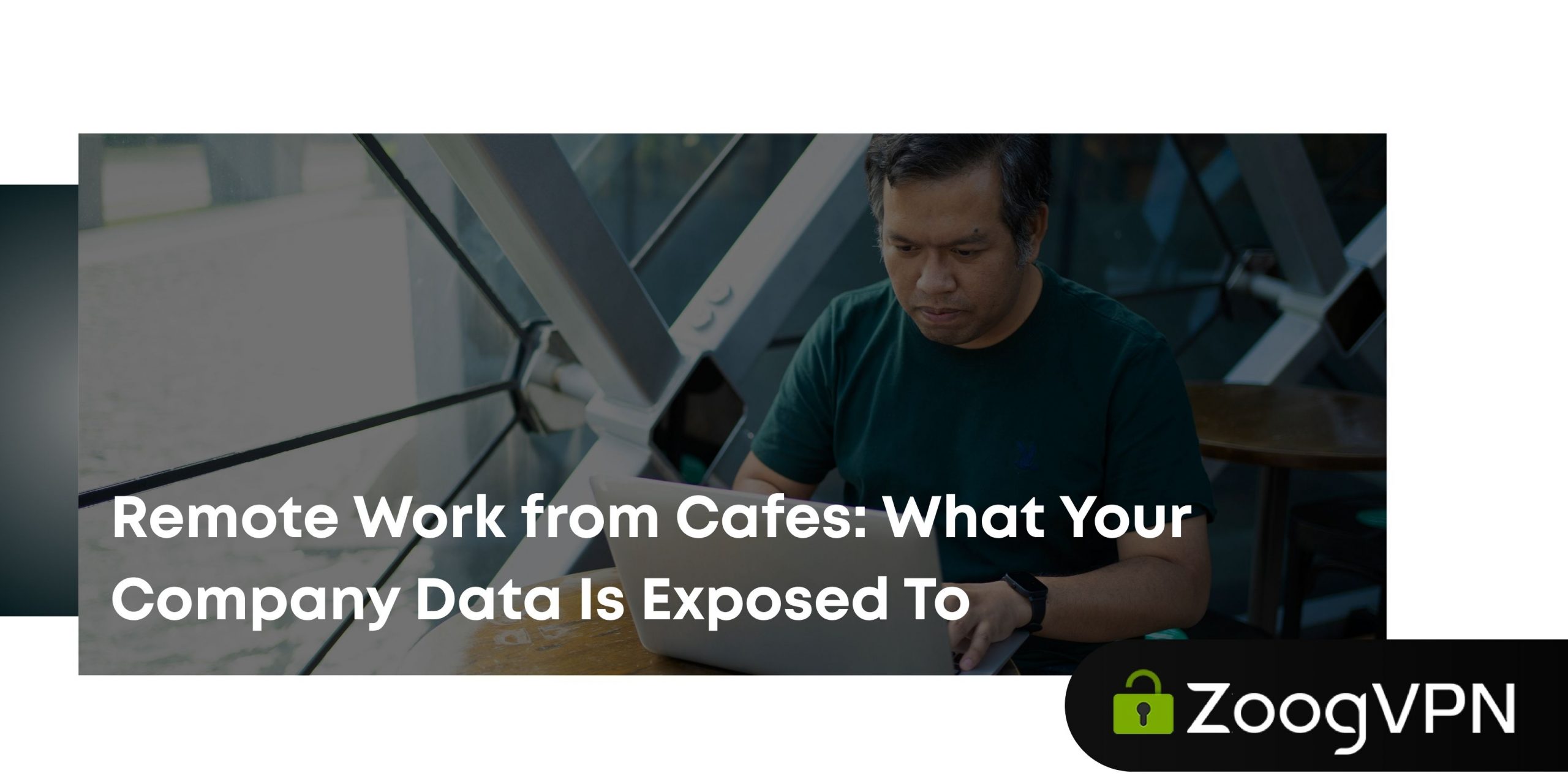
There’s a certain kind of person who does their best work with a flat white going cold beside their laptop and someone else’s playlist in the background. If that’s you, no judgment. Cafés are great for focus. They’re just not great for security, and almost nobody thinks about that part until something goes wrong.
Here’s what’s actually happening on that “free” wifi network while you’re closing out your inbox.
The Network Doesn’t Check IDs
Your home router knows it’s yours. Café wifi doesn’t know or care who you are, and neither does the network name it broadcasts. “CoffeeShop_Guest” could be the café’s real router. It could also be a laptop sitting three tables away, broadcasting the exact same name to trick your phone into connecting automatically.
This is called an evil twin attack, and it’s not some rare, high-effort hacking scheme. The tools are free, the setup takes minutes, and the only skill required is picking a convincing network name. Once you connect to the fake one, every request you make passes through someone else’s device before it goes anywhere else.
What Actually Travels Over an Open Connection
Even on the café’s legitimate wifi, an open or poorly secured network lets anyone else connected to it peek at unencrypted traffic with basic, freely available software. That includes:
Login sessions. Some apps and sites use cookies to keep you logged in. Grab that cookie mid-session and someone can slide into your account without ever knowing your password.
DNS requests. These are the lookups that turn “yourcompanyname.com” into an actual address. Spoof them, and a request meant for your company’s login page can get quietly rerouted to a lookalike.
Anything not encrypted. Older apps, some internal tools, and plenty of smaller business sites still send data in the clear. On a compromised network, that data is just sitting there.
“But the Site Had a Padlock”
The padlock icon means the connection to that specific site is encrypted, which is genuinely good. It does not mean the network is trustworthy, and it does not hide the fact that you’re connecting to your company’s cloud drive from a router you’ve never met. Someone monitoring the network can still see which services you’re using and when, even if they can’t read the contents. Combine that with a spoofed DNS request or a convincing fake login page, and the padlock stops being much comfort at all.
Why This Matters More With Work Data
Losing your own password to a streaming account is annoying. Losing the credentials to your company’s shared drive, CRM, or internal Slack is a different category of problem, because it’s rarely just yours to fix. One exposed login can mean client files, contracts, unreleased product plans, or a colleague’s inbox, all reachable through a single weak link that happened to be sitting in a café on a Tuesday.
IT teams plan for a lot of things. “Someone logged into the finance dashboard over a hacker’s fake hotspot next to a pastry case” is usually not one of them.
Good news: closing that gap takes one habit, not a security overhaul. Encrypt your connection with ZoogVPN →
The Fixes That Actually Work
None of this means you need to abandon your favorite table by the window. It means a few habits are worth building in.
1
Use a VPN before you open anything work-related. A VPN encrypts your traffic between your device and the VPN server, so even if the network itself is compromised or fake, what you send is scrambled to anyone watching. This is the most effective fix on this list, because it protects you regardless of how sketchy the network turns out to be.
2
Turn off auto-connect to open networks. Your phone reconnecting to “Free_Airport_Wifi” from six months ago without asking is convenient right up until that same name gets spoofed somewhere else.
3
Turn off file sharing and AirDrop when you’re out and about. No reason to advertise an open door.
4
Turn on multi-factor authentication everywhere your company allows it, so a stolen password alone isn’t enough to get in.
5
Keep your apps and OS updated. Most security patches exist because someone already found the hole.
Where a VPN Fits Into Your Actual Workflow
The habit that matters most is also the easiest one: connect to your VPN before you connect to anything else. With ZoogVPN, that’s one tap, not a whole security ritual. Your traffic gets encrypted with AES-256, a kill switch cuts your connection if the VPN ever drops so nothing leaks by accident, and a strict no-logs policy means there’s no record of your activity sitting around to be requested, subpoenaed, or breached later. Protocols like WireGuard and OpenVPN keep speeds fast enough that you won’t notice a difference, aside from the peace of mind.
Working from a café doesn’t have to mean gambling with company data every time you pick a table near the outlet. Turn on the VPN, order your coffee, and let the person running the fake hotspot two tables over have a very boring day.
If this got you thinking about your setup, our guides on why remote teams need a VPN in the first place and what a business VPN plan actually covers go deeper.
Stay Secure Anywhere
Don’t let café wifi be the weak link in your company’s security.
ZoogVPN encrypts your connection wherever you work, with a kill switch and no-logs policy built in.
- Roksolana KogutRoksolana dives deep into online privacy, security, and the tools that make the internet work better for everyone. She has a natural taste for taking technical subjects and making them feel approachable, useful, and worth reading.


