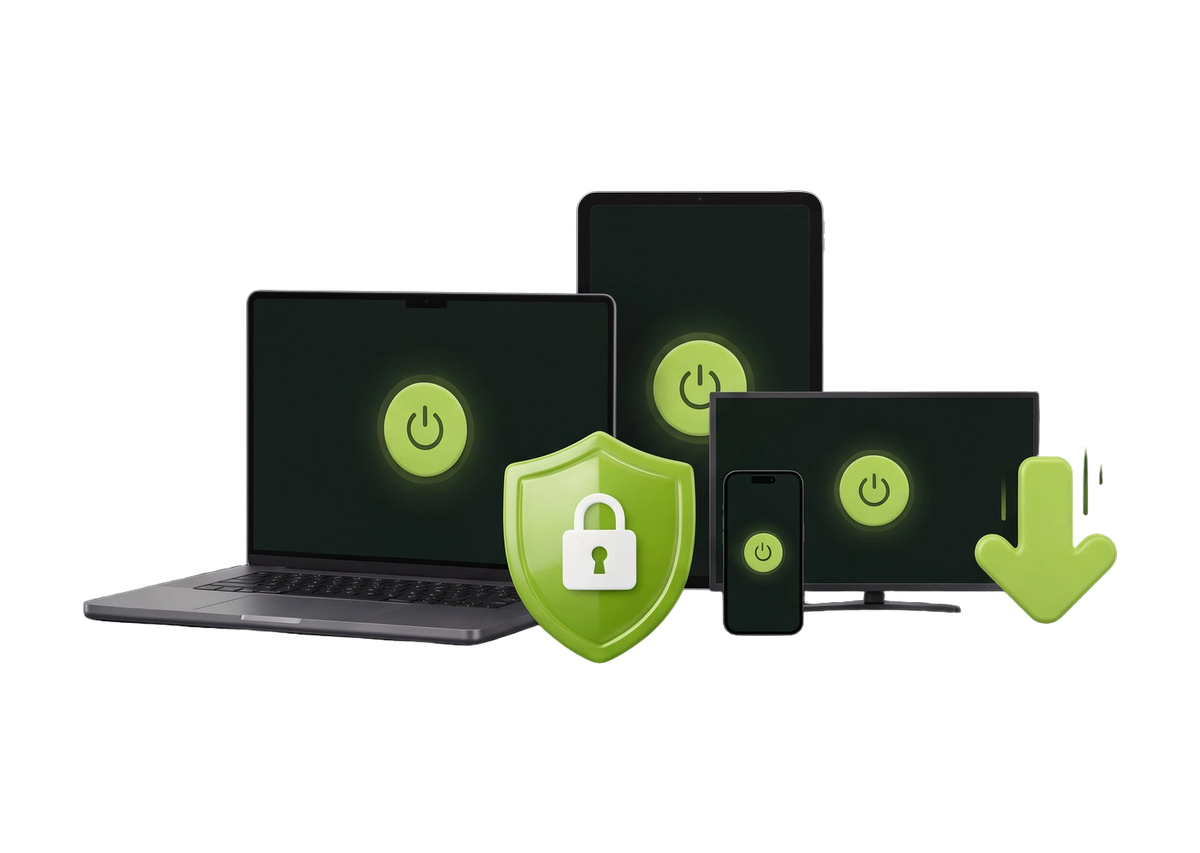

Unblock Content
Get to content that's unavailable to you, for example when your IP address is blacklisted by a service or your provider.
See server locations
Don’t rely on unknown proxy services with a questionable reputation. Get a fast, reliable SOCKS5 proxy from ZoogVPN, included in every Premium plan.
Get started →
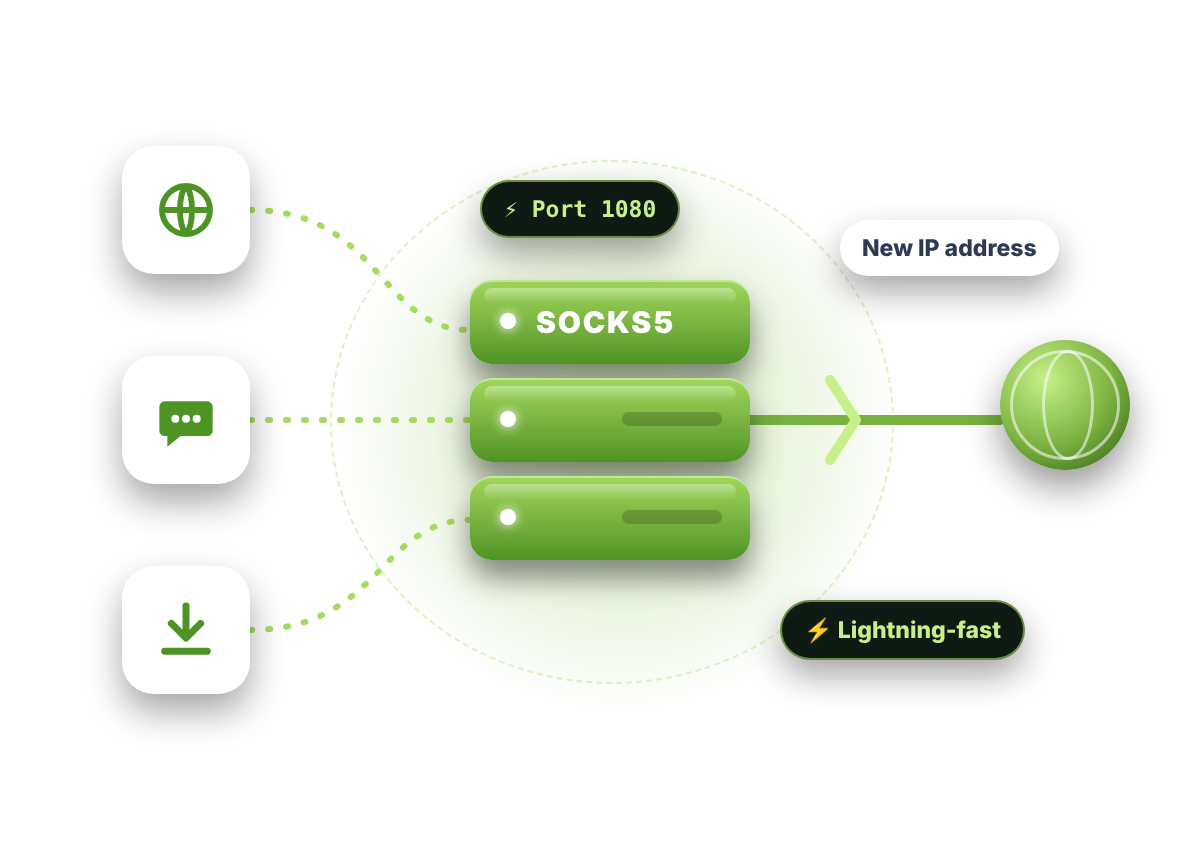
A proxy routes the traffic of a specific app, like your browser or a torrent client, through a remote server. Websites then see the server’s IP address instead of yours.
ZoogVPN uses SOCKS5, the newest version of the SOCKS protocol. It’s very fast because it transfers smaller data packets, and it supports authentication, so only you can use your connection.
Pick a connection and see what changes: which apps are covered, whether your data is encrypted and how fast it feels.
Illustration. Real speeds depend on your connection and the server you choose.
Both hide your IP address, but they’re built for different jobs.
SOCKS5 changes your IP in the apps you set it up in and gives you the best speeds possible, with fewer errors. It doesn’t encrypt your data or change packet headers, so it’s easier to detect and not ideal for strict firewalls.
A VPN encrypts all your traffic with bank-grade encryption and covers every app on your device. If protecting your data is your main concern, go with the VPN.
SOCKS5 works at a lower level than HTTP proxies, so it can handle any kind of traffic.
| HTTP proxy | ZoogVPNSOCKS5 proxy | |
|---|---|---|
| Traffic it can handle | Web pages only | Any: HTTP, HTTPS, FTP, SMTP, POP3 |
| Works with | Web browsers | Any app or protocol |
| UDP and TCP support | TCP only | Both |
| Authentication | Often none | Login and password |
| Speed for P2P | Slower | Fast, smaller packets |
| Get started |
Why SOCKS5 beats a regular HTML proxy.
⚡ 3 benefits
Get to content that's unavailable to you, for example when your IP address is blacklisted by a service or your provider.
See server locations
With UDP and TCP support, browsing is fast and stable, with fewer errors when data travels between your device and the server.
How SOCKS5 works
SOCKS5 beats other proxies for P2P speeds because it transfers smaller data packets.
Torrent-friendly serversIt works in any app that supports proxies: Telegram, uTorrent, BitTorrent, Vuze, Skype, Firefox, Chrome and more.
Sign up in a minute. SOCKS5 is included in every Premium plan at no extra cost.
In your app’s proxy settings, choose SOCKS5, use port TCP 1080 and enter the address of a SOCKS5-enabled ZoogVPN server.
Enter your ZoogVPN login and password to authenticate, then connect. That simple!
Enter these details in your app’s proxy settings. Tap a value to copy it.
Many people around the world prefer a proxy for everyday tasks.

Get an anonymous IP address and browse privately and fast.
Read more
Reach censored content and use apps that are blocked in your country.
Read more
Stream audio and video and open social media apps and websites.
Get startedFree proxies often come with hidden costs. Many collect your data and personal information and sell it to advertisers and other companies, and some even contain malware.
If you value your privacy, avoid them. ZoogVPN’s SOCKS5 proxy comes with a strict no-logs policy, so your data is never collected or sold.
Quick answers about using a proxy with ZoogVPN.
It routes the traffic of a specific app through a remote server, so websites and services see the server’s IP address instead of yours.
Choose SOCKS5 if you want the best speeds possible. Choose a VPN if protecting your data with bank-grade encryption matters most, because a proxy doesn’t encrypt your traffic.
Open your app’s proxy settings, choose SOCKS5, enter port TCP 1080 and the address of a SOCKS5-enabled ZoogVPN server, then sign in with your ZoogVPN login and password. See our step-by-step tutorial.
Get any ZoogVPN Premium plan. SOCKS5 is included at no extra cost, and you can use it right away.
Right here. Every ZoogVPN Premium subscription includes the SOCKS5 proxy together with the full VPN service.
SOCKS5 is fast for P2P, but it doesn’t encrypt your traffic or fully hide your identity, so you could still get DMCA notices in some countries. For torrenting we recommend the VPN on our P2P servers.
Credit card (Visa, Mastercard, Amex), PayPal, WebMoney, Qiwi, Mint, BTC, ETH, LTC, DAI, USDC and BCH. If you want to use another payment method, please contact our team.
Yes. You can cancel at any time from your ZoogVPN account.
Yes. Premium plans come with a 7-day money-back guarantee.
SOCKS5 proxy, bank-grade VPN encryption and zero logs, on up to 10 devices.