






WATCH NETFLIX SHOWS

The Best Netflix VPN to Watch Any Library From Anywhere

Netflix shows different content depending on where you are. ZoogVPN puts you in control, allowing you to connect to any country and unlock the library you actually want, without buffering or privacy concerns.

  • Bypass geo-restrictions instantly
  • No ISP throttling or buffering
  • Unblock free streams (ITVX, 7Plus)
  • Up to 10 devices per account
4.7
Streaming Netflix hero img

Why Use a VPN for Netflix?

Netflix licenses its content on a country-by-country basis. The library you see depends on where your IP address is located, which means travelers, expats, and anyone outside a major market often get a smaller, less interesting selection. A VPN routes your connection through a server in a different country, so Netflix sees that location instead of your real one.

Best Streaming Locations for Netflix

Netflix's content library changes by country. Connect to the chosen country's VPN server to unlock that region's catalog.

UK Library

Free server
Flag United Kingdom
Server London

Strong on British drama, true crime, and documentaries you won't find in every region. Connect to a London server to access it.

How to get UK location

JP Library

Premium server
Japan Flag
Server Tokyo

Home to the widest selection of anime, much of it exclusive to this region. Connect to a Tokyo server to stream it in full.

How to get JP location

US Library

Free server
Flag USA
Country USA

The official US broadcast. If you have a US cable login but are traveling abroad, use a US server to bypass the blackout.

How to get USA location

How to Watch Netflix With VPN From Anywhere?

Netflix’s catalog isn’t the same everywhere. Licensing deals are set country by country, so a show or movie available in the US might be missing in the UK, Germany, or Japan and vice versa. That’s why the same subscription can feel like an entirely different service depending on where you’re logged in from. Want to unlock another country’s catalog? This can be done in 3 short steps.

Step 1

Get ZoogVPN

Create your account in seconds. Start with our forever-free plan or choose premium for unlimited streaming.

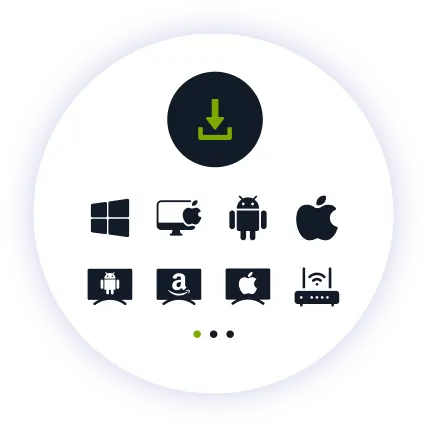
Step 2

Install the App

Install our user-friendly app. Available for iPhone, iPad, Android, Windows, Mac, Amazon Fire TV Stick, and more.

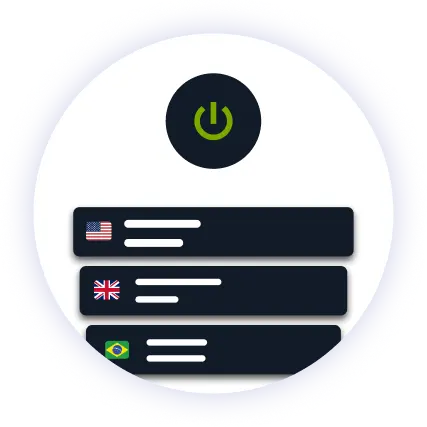
Step 3

Connect to US

Find your wanted location in the server list and hit connect. The regional library for your chosen country loads automatically.

Why ZoogVPN is Your Solution for Netflix

Get Past Geo-Restrictions

Netflix uses advanced geo-blocking to protect its regional licensing deals. Standard proxies won't work. ZoogVPN uses advanced encryption to hide your VPN usage, If they can't see what you are up to, you cannot be restricted.

Stop Buffering

When millions tune in to Netflix for a big release or live event, ISPs often throttle bandwidth for high-traffic streaming. Our encrypted tunnel hides your streaming activity, so your provider can't single out and slow down your connection right when you're watching.

Test Before Spending

You don't even need to pay to get started. Our Free access includes 5 locations in Washington, London, Singapore, Amsterdam and Dusseldorf. With ZoogVPN, simply choose a country and unlock that library without changing your account or subscription.

ZoogVPN vs Average VPN for Netflix

See why we are a choice for million of users for streaming Netflix

Get Premium Now
Feature
Average Free VPN
ZoogVPN Premium
Speeds for Streaming Netflix
Throttled & Slow
1 Gbps servers for smooth 4K Netflix
Unblocking Capabilities
Usually detected and blocked
Bypasses Regional Restrictions
Bandwidth Limit
Capped (e.g. 5GB/month)
Unlimited
Simultaneous Devices
1 Device only
Up to 10

Privacy on Every Screen

One subscription. Up to 10 devices.

Watch Netflix on Android TV & Firestick

Netflix is meant for the biggest screen in the house. ZoogVPN offers native apps for Android TV and Amazon Fire TV Stick.

  • Search for “ZoogVPN” in your TV’s app store and install it.
  • Log in and connect to a preferred server.
  • Open Netflix and enjoy your favorite shows and films.

Watch Netflix on Windows & macOS

Prefer your laptop or desktop? Our lightweight apps for Windows and macOS get you connected in seconds.

  • Download and install the ZoogVPN desktop app.
  • Sign in and connect to a preferred server.
  • Open Netflix in your browser and hit play.

Watch Netflix on iOS & Android

On the move while a new episode came out? Stream Netflix straight from your phone or tablet with our mobile apps.

  • Download ZoogVPN from the App Store or Google Play.
  • Log in, tap connect and choose your preferred location.
  • Fire up your favorite streaming app and watch on the go.
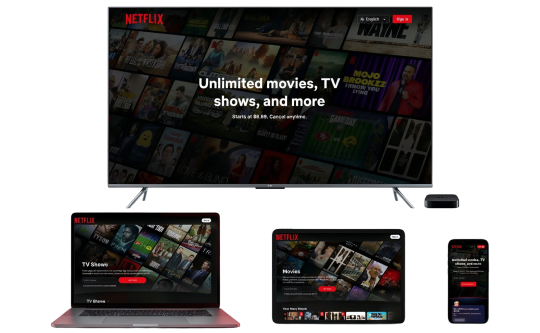
Netflix Devices

Trusted by Experts. Loved by Users.

Consistent high ratings across all platforms and devices.

Frequently Asked Questions

Everything you need to know about privacy, speed, and features.

What does the Netflix proxy error mean?

It means Netflix has flagged your connection as a VPN or proxy and blocked that server. Switch to a different ZoogVPN server in the same country and try again, no need to turn the VPN off completely.

How do I watch Netflix while traveling?

Connect to a server back home, open Netflix, done. Your usual library shows up like you never left. Want someone else’s library instead? Just pick the dedicated country.

Is it safe to use a VPN for Netflix?

Yes. It encrypts your traffic and hides your real IP, good news for you, bad news for anyone snooping. Netflix’s terms technically frown on geo-bypassing, but worst case, they just block that server. No bans, no drama.

Does a VPN slow down Netflix?

Not with ZoogVPN. Our high-speed 1 Gbps servers are optimized for streaming and browsing, so you get privacy without sacrificing speed.

Netflix says I'm using a VPN, but I'm not. What's going on?

Because it flagged your server’s IP. Fix: switch to another server in the same country, restart the app or clear your cache, or try a different protocol. Still stuck? ZoogVPN support can point you to a server that’s working right now.

How do I set up a VPN for Netflix on my TV?

Fire TV Stick: grab ZoogVPN from the App Store. Android TV: same deal via Google Play. No app store (Samsung, LG, Sony)? Install ZoogVPN on your router instead. Every device on that Wi-Fi, TV included, gets covered automatically.

Can I use a VPN for Netflix on iPhone or iPad?

Yep. Grab ZoogVPN from the App Store, connect to your country of choice, hit play. HD and 4K run smooth on a solid connection.

What's the best country to connect to for Netflix?

It depends on what you’re after. US has the biggest library and old-school TV shows. UK’s strong on drama and docu series. Japan wins for anime. Canada’s the solid middle ground between US and European catalogs.

Why Server Variety Matters for Watching Netflix?

Here’s the thing about Netflix: it isn’t one global library, it’s dozens of different ones. The US catalog isn’t the UK catalog. Japan gets anime you won’t find anywhere else. Canada sits somewhere in between. Same subscription, an entirely different shelf depending on where your IP says you are.

That’s exactly why server variety matters. One country’s server only unlocks that country’s library. A VPN with servers spread across the US, UK, Japan, and beyond means you can hop between them and actually see what each region has to offer, instead of being stuck with whatever your home country got.

Get your VPN set up before your next binge. Stream Netflix seamlessly, wherever you are.

Get ZoogVPN Now